5 Must-Have Online Tools for Stunning Interior Design Projects
The interior design profession has undergone a dramatic digital transformation over the past decade. What once required physical samples, hand-drawn sketches, and in-person consultations now unfolds across screens, browsers, and cloud-based platforms. Whether you are a seasoned professional with an NCIDQ certification or a passionate homeowner embarking on a renovation, the right online tools can mean the difference between a project that merely functions and one that truly inspires. According to a survey conducted by the American Society of Interior Designers (ASID), nearly 78 percent of design professionals now rely on at least three digital tools during every project phase. That statistic alone reveals how deeply technology has woven itself into the fabric of modern design practice.
Selecting the right tools, however, is not always straightforward. The marketplace brims with options that promise photorealistic renders, seamless client collaboration, and effortless material sourcing. How do you separate genuine productivity enhancers from flashy distractions? This guide walks through five categories of indispensable online tools and explains why each one deserves a permanent spot in your digital toolkit. From mood-board creation platforms to advanced 3D visualization software, every recommendation here reflects the real-world workflows that top studios use daily.
Have you ever wondered how professional designers translate a vague concept into a fully realized room? The answer increasingly lives in the digital tools they choose. Let us explore the five platforms that can elevate any interior design project from concept to completion.
Mood Board and Inspiration Platforms
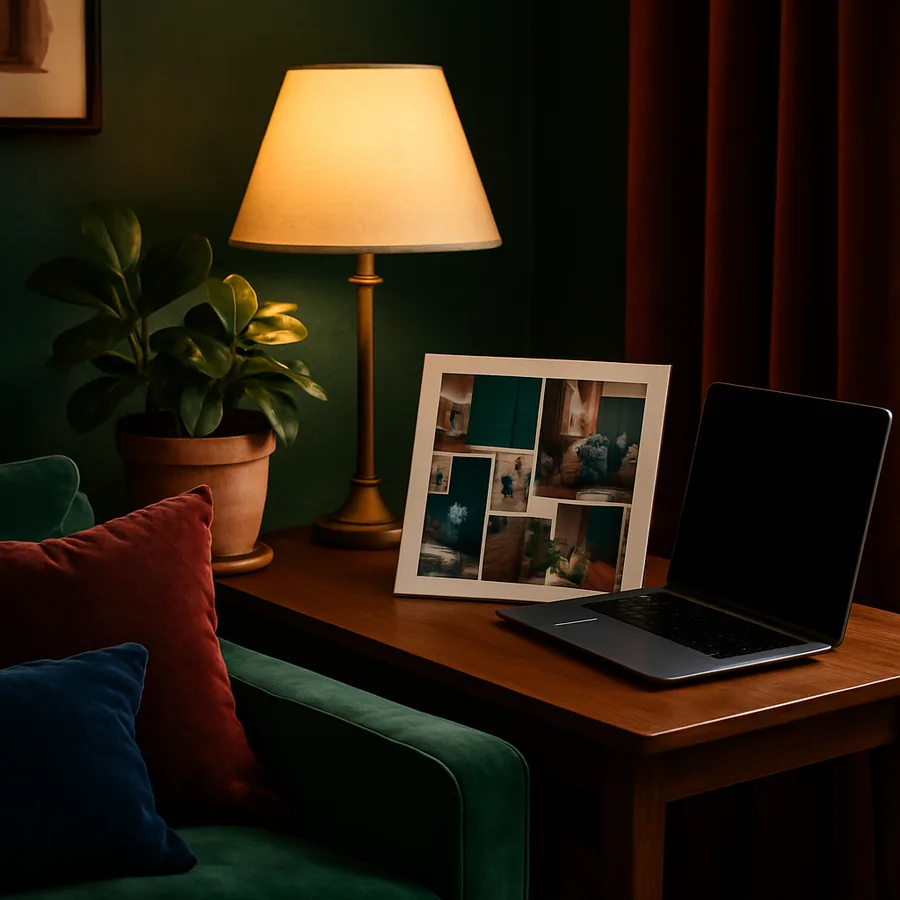
Every great interior design project starts with a vision, and mood boards are the time-tested method for capturing that vision in a tangible format. Online platforms dedicated to mood-board creation allow designers to compile colors, textures, furniture silhouettes, and architectural references into a single cohesive collage. Unlike traditional physical boards that require magazine clippings and fabric swatches, digital mood boards can be edited, shared, and revised in real time. The International Interior Design Association (IIDA) has noted that digital mood boards now appear in more than 85 percent of client-facing presentations, underscoring their role as an industry standard.
Platforms like Canva, Milanote, and Morpholio Board each bring unique strengths to the mood-board process. Canva offers drag-and-drop simplicity and an extensive library of templates that make it accessible to beginners. Milanote, on the other hand, provides a flexible canvas that appeals to designers who prefer a more freeform approach. Morpholio Board was built specifically for the design profession and includes features such as material scaling, color extraction, and seamless integration with product libraries. Choosing the right platform depends on whether you prioritize speed, flexibility, or industry-specific functionality.
The real power of digital mood boards extends beyond aesthetics. They serve as a communication bridge between designer and client, reducing misunderstandings and ensuring that everyone shares the same expectations before a single purchase order is placed. When a client can see their envisioned palette, furniture styles, and spatial arrangement collected in one place, the approval process accelerates dramatically. This efficiency translates directly into time savings and higher client satisfaction, two metrics that every design practice should track carefully.
For designers who present to commercial clients, the polish of a well-crafted digital mood board can also reinforce credibility. Corporate stakeholders and hospitality developers expect a certain level of professionalism in design presentations, and a sleek, interactive mood board delivered through a shared link conveys confidence and competence far more effectively than a stack of printed tearsheets.
3D Rendering and Visualization Software
If mood boards capture the spirit of a design concept, 3D rendering software brings that concept to life with spatial accuracy and photorealistic detail. The ability to show a client exactly what their finished space will look like, down to the way sunlight filters through sheer curtains at four in the afternoon, has fundamentally changed the client-designer relationship. According to Houzz research data, projects that include 3D visualizations experience 40 percent fewer change orders during the construction phase. That reduction in revisions translates into significant cost savings and shorter timelines.
Browser-based tools such as Planner 5D, Homestyler, and Coohom make 3D rendering accessible without requiring a powerful local workstation. These platforms leverage cloud computing to handle the intensive calculations behind photorealistic imagery, meaning that a designer working from a modest laptop can still produce stunning visuals. For professionals who need even greater control over materials, lighting, and camera angles, desktop applications like SketchUp with cloud-rendering extensions offer a deeper feature set while still connecting to online collaboration workflows.
The learning curve for 3D tools has also flattened considerably. Where earlier generations of rendering software demanded weeks of training, many contemporary platforms offer intuitive interfaces that allow a competent designer to produce a presentable render within hours of first use. ASID has incorporated digital visualization competency into its continuing education recommendations, recognizing that the skill is no longer optional for practicing professionals. Whether you specialize in residential kitchens or large-scale commercial lobbies, the ability to create compelling 3D walkthroughs is now a baseline expectation.
Beyond client presentations, 3D visualization tools assist with practical problem-solving. Designers can test furniture arrangements, evaluate traffic flow, and experiment with color combinations in a virtual environment before committing to expensive physical changes. This iterative capability encourages bolder creative choices because the cost of experimentation in a digital model is essentially zero.
Online Material and Product Sourcing Platforms
Sourcing the right materials and furnishings is one of the most time-consuming aspects of any interior design project. Online sourcing platforms compress what once took weeks of showroom visits into a streamlined digital experience. Websites like Material Bank, Architonic, and the trade section of Houzz allow designers to search vast catalogs of fabrics, tiles, hardware, and furniture by specification, style, or brand. Material Bank, for example, promises overnight delivery of physical samples ordered by midnight, bridging the gap between digital browsing and tactile evaluation.
These platforms also address a logistical challenge that has long plagued the industry: keeping track of specifications, lead times, and pricing across dozens of vendors for a single project. Integrated sourcing tools allow designers to build product libraries, generate specification sheets, and share selections with clients and contractors through a single interface. The IIDA has highlighted digital sourcing as one of the key efficiency drivers in modern practice, particularly for firms managing multiple simultaneous projects across different regions.
For designers working on projects with sustainability goals, online sourcing platforms increasingly include environmental certifications and material origin data. Filters for recycled content, low-VOC finishes, and FSC-certified wood make it possible to align product selections with green building standards without conducting exhaustive independent research. This transparency empowers designers to make responsible choices quickly and to document those choices for clients who value environmental accountability.
Do you find yourself spending hours comparing vendor catalogs and tracking sample shipments? If so, consolidating your sourcing workflow onto a dedicated platform could reclaim significant portions of your schedule for the creative work that likely drew you to the profession in the first place.
Project Management and Client Collaboration Tools
A beautiful design concept means little if the project that delivers it descends into miscommunication, missed deadlines, and budget overruns. Online project management tools tailored to interior design address these operational challenges by centralizing timelines, budgets, procurement lists, and client correspondence in one accessible location. Platforms such as Studio Designer, Ivy (now Houzz Pro), and Monday.com each offer varying degrees of specialization for design-specific workflows.
Studio Designer, for instance, was built from the ground up for interior design firms and includes features like purchase-order management, time tracking by project phase, and client-facing portals where selections and invoices live in one place. Houzz Pro integrates lead management, mood boards, 3D floor plans, and invoicing into a single ecosystem, making it particularly attractive for smaller firms that want to minimize the number of separate subscriptions they maintain. Monday.com, while not design-specific, offers the flexibility to build custom workflows that mirror any studio's unique process.
The client-collaboration dimension of these tools deserves special emphasis. When clients can log into a portal and view their project timeline, approve selections, and communicate with their designer through a documented thread, the entire relationship becomes more transparent. Transparency builds trust, and trust leads to referrals. The NCIDQ body of knowledge includes project management as a core competency area, and proficiency with digital project management tools is increasingly what separates thriving practices from those that struggle with operational friction.
Effective project management tools also generate data that can improve a firm's operations over time. By tracking how long each project phase actually takes versus the original estimate, a studio can refine its pricing models, identify bottlenecks, and allocate staff more efficiently. This analytical capability transforms project management software from a simple organizational aid into a strategic business asset.
Color Matching and Palette Generation Tools
Color is arguably the single most impactful element in any interior space. It influences mood, perceived room size, and the visual harmony among furnishings. Online color tools have evolved far beyond simple palette generators. Platforms like Coolors, Adobe Color, and the Benjamin Moore and Sherwin-Williams digital tools now allow designers to extract palettes from photographs, simulate paint colors on virtual walls, and ensure accessibility compliance for commercial projects that must meet certain contrast ratios.
The sophistication of these tools addresses a perennial challenge in interior design: the gap between how a color appears on screen and how it reads in a physical space under specific lighting conditions. Some platforms now incorporate algorithms that adjust for common lighting scenarios, whether a room receives abundant northern daylight or relies primarily on warm incandescent fixtures. While no digital tool perfectly replaces a physical paint swatch evaluated in situ, the ability to narrow options from thousands to a curated shortlist saves considerable time and reduces the likelihood of costly repaints.
ASID research has documented that color selection is the design decision that clients feel most emotionally invested in and most anxious about. Providing clients with visual simulations of their chosen palette applied to their actual floor plan can alleviate that anxiety and accelerate approval. When a homeowner can see that the deep navy they love in theory will not overpower their compact dining room, the conversation shifts from worry to excitement.
For commercial designers, palette tools also help enforce brand consistency across multi-location projects. A hospitality group opening hotels in several cities needs assurance that the signature color scheme will translate faithfully from one space to another, regardless of local paint suppliers. Digital palette tools with precise color-code outputs make that consistency achievable without relying on memory or subjective judgment.
Putting It All Together for Maximum Impact
Each of the five tool categories discussed above addresses a distinct phase of the interior design process, yet their true power emerges when they work in concert. A project might begin on a mood-board platform where initial inspiration takes shape, move into a 3D rendering tool where spatial ideas are tested and refined, shift to a sourcing platform where specific products are selected, pass through a color-matching tool for palette finalization, and culminate in a project management system that coordinates procurement, installation, and final styling.
The key to building an effective digital toolkit is intentional integration. Before adding a new platform to your workflow, ask whether it connects with the tools you already use. Does the rendering software import product models from your preferred sourcing platform? Can your project management tool pull specification data directly from your material library? These integration points eliminate redundant data entry and reduce the risk of errors that creep in when information is manually transferred between disconnected systems.
The design profession is evolving rapidly, and practitioners who embrace digital tools position themselves to deliver better outcomes in less time, a combination that benefits both the studio and its clients. The IIDA and ASID both advocate for ongoing technology education as part of professional development, recognizing that digital literacy is now inseparable from design excellence. Whether you adopt all five tool categories at once or introduce them gradually, each addition strengthens your capacity to produce stunning, well-managed interior design projects.
If you are ready to modernize your workflow, start by auditing your current process for the stage that causes the most friction, whether that is client communication, material sourcing, or visualization, and invest in a tool that directly addresses that pain point. One well-chosen platform can cascade improvements across your entire practice. Take the first step today and discover how the right digital tools can transform your design work from competent to extraordinary.
More Articles You May Like



Comments
Post a Comment