The Ultimate Guide to Choosing the Best Laptops for Home Offices
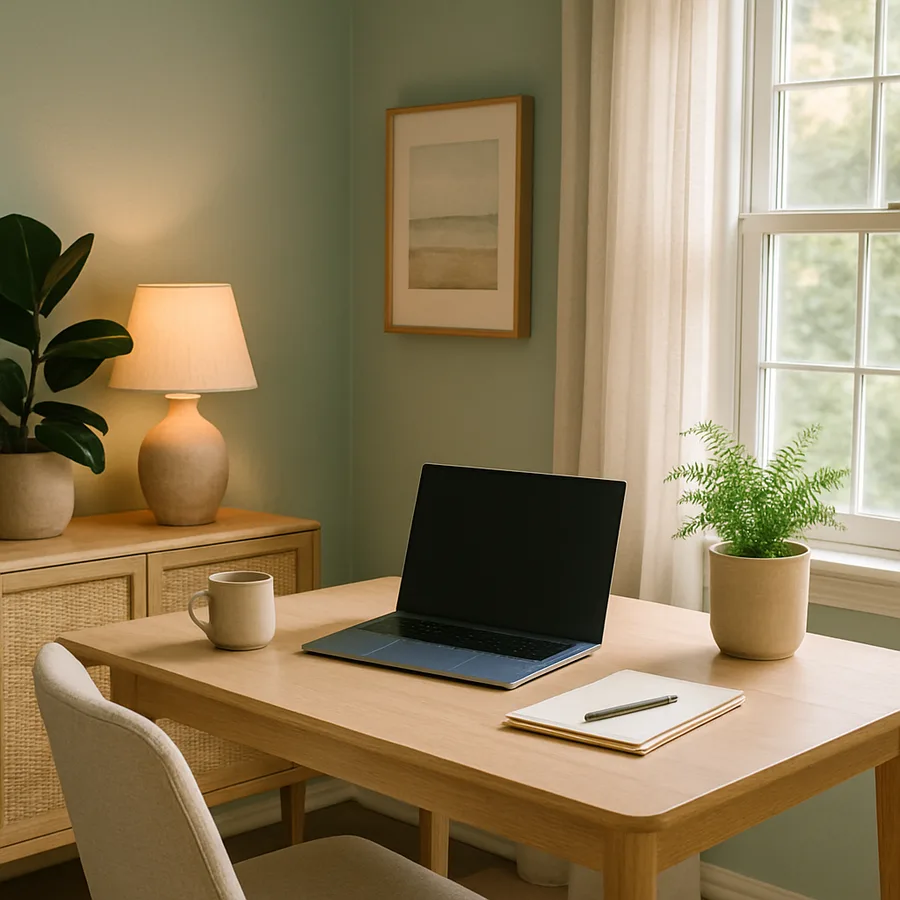
The home office has evolved from a temporary accommodation into a permanent fixture of professional life, demanding the same caliber of technology that once lived exclusively in corporate settings. Choosing a laptop for a home office is a fundamentally different exercise from selecting a personal computing device -- the stakes are higher, the usage patterns more demanding, and the return on investment more directly measurable. A home office laptop must deliver reliable performance across video conferences, document creation, data analysis, and increasingly, creative production. The American Society of Interior Designers (ASID) reports that home office design consultations have increased by over 200 percent since remote work became standard practice, reflecting a collective recognition that workspace quality directly impacts professional output. The International Interior Design Association (IIDA) further notes that technology selection is now a core component of home office design, as the laptop often serves as the visual and functional centerpiece of the workspace. This guide provides a comprehensive framework for selecting a home office laptop that serves your professional needs while complementing the design of your workspace.
Assessing Your Professional Workflow Requirements
The most common mistake in laptop selection is purchasing based on specifications rather than workflow analysis. A financial consultant who spends eight hours daily in spreadsheets and video calls has radically different requirements from a graphic designer who renders three-dimensional models and edits high-resolution photography. Before examining any hardware, conduct an honest inventory of your daily tasks, the software you rely upon, and the performance pain points you currently experience. This workflow-first approach ensures that your investment addresses real needs rather than aspirational specifications that never get utilized. The NCIDQ recommends a similar approach to space planning -- understanding how a space will actually be used before making design decisions.
Categorize your work into tiers of computational demand. Tier one includes basic productivity tasks like email, web browsing, document editing, and video conferencing -- these require modest processing power and can be handled by virtually any current-generation laptop. Tier two encompasses more demanding applications like data analysis, light photo editing, and project management with large datasets -- these benefit from faster processors and additional memory. Tier three involves intensive creative work like video editing, three-dimensional rendering, software development, and large-scale data processing -- these demand high-performance components and dedicated graphics processing. According to a Houzz survey of home office professionals, 45 percent overestimate their computational needs while 30 percent underestimate them, resulting in either wasted investment or frustrating performance limitations.
Consider not only your current workflow but your trajectory over the next three to four years. A laptop purchased today should remain viable through software updates, expanding project scopes, and potential career evolution. If you anticipate moving from two-dimensional design work to three-dimensional visualization, investing in GPU capability now prevents premature replacement. If your current role involves text-based work but you see increasing video content creation in your future, prioritizing a capable display and adequate storage makes sense. Forward-looking specification is not the same as over-specification -- it means making informed predictions about your professional direction and investing accordingly. What does your professional life look like in three years, and will your laptop still be adequate?
Display Specifications That Reduce Fatigue and Improve Accuracy
For home office professionals who spend eight or more hours daily looking at a screen, display quality is arguably the most important specification category. Eye fatigue, headaches, and reduced accuracy are all documented consequences of prolonged work on inadequate displays. The minimum standard for comfortable all-day work is a 14-inch display with at least 1920 by 1200 pixel resolution, though 16-inch panels with 2560 by 1600 or higher resolution provide meaningfully better readability for document-intensive work. The additional screen real estate of a larger display reduces scrolling, enables side-by-side document comparison, and allows toolbar-heavy applications to show more content simultaneously.
Color accuracy matters beyond creative professions. Professionals who evaluate photographs for reports, review product imagery for procurement decisions, or simply want accurate representation of the presentations they send to clients benefit from displays that cover at least 100 percent of the sRGB color space. The shift toward OLED and mini-LED display technology has made accurate, high-contrast panels available across more price points, bringing professional-grade visual quality to mainstream laptops. Anti-flicker technology, sometimes marketed as DC dimming, reduces the imperceptible screen flickering that contributes to eye strain during extended work sessions. The IIDA includes display ergonomics in its workspace design guidelines, recommending that home office professionals prioritize display quality over processing speed when budget forces a choice between the two.
Brightness and matte surface treatments deserve particular attention for home offices that may not offer the controlled lighting of a corporate environment. A window behind your desk creates glare that only high brightness can overcome, while a matte display coating prevents reflections from lamps and overhead fixtures. Peak brightness of at least 400 nits is recommended for rooms with natural light, while 300 nits suffices for controlled lighting environments. The position of your laptop relative to light sources is an interior design consideration as much as a technology one -- ASID-certified designers routinely advise placing screens perpendicular to windows rather than facing them, reducing glare without sacrificing natural light. Your display specifications and your room layout should be planned in concert.
Ergonomic Integration with Home Office Design
A laptop in a home office context is not merely a computing device but a physical object that must integrate with the ergonomic design of the workspace. The inherent conflict of laptop design -- the screen is attached to the keyboard, forcing either a too-low display or a too-high typing surface -- makes peripheral planning essential for home office use. An external keyboard and mouse paired with a laptop stand that elevates the screen to eye level transforms the ergonomic equation entirely. The ASID's workplace design guidelines specify that display top edge should align with eye level and sit approximately an arm's length from the user, measurements that are impossible to achieve with a laptop flat on a desk.
The choice between a dedicated desk setup and a flexible arrangement that moves between locations within the home influences laptop selection. A laptop that remains primarily docked at a desk can prioritize screen size and performance over portability, while one that moves between a home office, kitchen table, and living room sofa needs to balance capability with weight and battery endurance. Many home office professionals benefit from a docking station that provides a single-cable connection to external monitor, keyboard, mouse, and power, enabling seamless transition between mobile and desktop modes. Thunderbolt-equipped laptops offer the most versatile docking options, with a single cable carrying power, data, and video to a compatible dock.
Battery life takes on new importance in a home office context that might seem counterintuitive -- after all, a wall outlet is always nearby. However, the freedom to work from a garden, balcony, or simply a different room without managing power cables contributes meaningfully to work satisfaction and creativity. Designers affiliated with the IIDA report that clients increasingly request home office designs that extend to outdoor spaces, covered porches, and garden rooms where reliable battery life becomes essential. A minimum of eight hours of real-world battery endurance -- not the manufacturer's optimistic estimate but actual performance under typical workloads -- provides the flexibility to work untethered throughout a full workday. How often do you find yourself rearranging your work position to reach a power outlet? That frustration is a design problem that better battery life solves.
Connectivity and Peripheral Expansion for Professional Use
The home office laptop serves as the hub of a professional technology ecosystem that may include external monitors, printers, scanners, external storage, and conferencing equipment. The port complement of your laptop determines how smoothly these peripherals integrate and whether your desk becomes a tangle of adapters and hubs. At minimum, a home office laptop should provide at least one USB-C port with power delivery capability, at least one USB-A port for legacy peripherals, an HDMI output for direct monitor connection, and a headphone jack for audio conferencing. Laptops that have eliminated the headphone jack or reduced port counts to a single USB-C connector create adapter dependency that adds cost, clutter, and potential points of failure.
Wireless connectivity standards deserve scrutiny for home office use. Wi-Fi 6E or Wi-Fi 7 support ensures compatibility with current and next-generation routers, providing the bandwidth and latency performance that video conferencing and large file transfers demand. Bluetooth 5.2 or higher enables reliable connection to wireless peripherals including keyboards, mice, and headsets without the dropouts and latency issues that plagued earlier versions. The placement of your home office relative to your router affects connection quality -- NCIDQ-certified designers who specialize in home offices increasingly coordinate with network installers to ensure that workspace location and router placement are optimized together. A beautiful home office with terrible Wi-Fi is a functional failure regardless of its aesthetic success.
Webcam and microphone quality have become critical specifications as video conferencing has evolved from occasional convenience to daily necessity. A built-in webcam with at least 1080p resolution and an infrared sensor for facial recognition login provides professional-quality video presence. Dual-array or quad-array microphones with noise cancellation algorithms ensure clear audio even in homes with background activity -- children, pets, delivery drivers, and neighborhood noise are realities of home office life that corporate conference rooms never faced. Houzz data indicates that 71 percent of home office renovations now include acoustic treatment as a design element, but capable laptop audio hardware provides the first line of defense against ambient noise disrupting professional communications.
Security and Data Protection for Remote Professionals
Home office laptops often contain sensitive professional data that would be protected by corporate IT infrastructure in a traditional office setting. Remote professionals must take personal responsibility for data security, and the laptop itself provides the foundation for that protection. Hardware-level security features like Trusted Platform Module chips, fingerprint readers, and infrared facial recognition systems provide authentication layers that go beyond simple password protection. Full-disk encryption, enabled by default on most current-generation laptops, ensures that a lost or stolen device does not become a data breach. The ASID's practice management resources emphasize that interior designers who handle client financial information, property details, and personal preferences carry professional liability for data protection.
Privacy screens, either built-in or aftermarket, prevent visual eavesdropping when working in shared or semi-public spaces within the home. A designer reviewing client floor plans on a laptop visible to visiting contractors or house guests risks inadvertent disclosure of confidential information. Some laptop manufacturers now offer electronically switchable privacy filters that can be activated with a keyboard shortcut, providing on-demand visual security without a physical accessory. VPN compatibility ensures secure connection to client networks and cloud services, while BIOS-level security features prevent unauthorized boot modifications. These security measures should be considered non-negotiable for any professional handling client-sensitive information from a home office.
Backup and recovery capabilities round out the security picture. A home office lacks the automated backup infrastructure of a corporate network, making local backup discipline and cloud synchronization essential. Laptops with ample storage capacity can maintain local file history alongside active projects, providing immediate recovery from accidental deletion or file corruption. Cloud backup services add geographic redundancy, ensuring that a home disaster -- fire, flood, or theft -- does not result in catastrophic data loss. The IIDA recommends that home office design include a dedicated, fireproof location for external backup drives as part of the workspace plan. Your laptop selection should support a backup strategy that protects years of professional work, client relationships, and intellectual property from loss.
Budget Frameworks and Value Optimization Strategies
Home office laptop budgets typically fall into three tiers that correspond roughly to professional demands. The entry tier, ranging from $800 to $1,200, serves professionals whose work centers on productivity applications, web-based tools, and video conferencing. Mid-tier machines from $1,200 to $2,000 accommodate more demanding workflows including creative applications, data analysis, and light three-dimensional work. Professional-grade laptops from $2,000 to $3,500 deliver the performance that intensive creative, engineering, or analytical work demands. The ASID's guidance on professional technology investment suggests allocating three to five percent of annual revenue toward technology infrastructure, which for most independent professionals translates to the mid-tier or professional range.
Value optimization requires distinguishing between specifications that impact your daily experience and those that provide marginal benefit for your workflow. Upgrading from sixteen to thirty-two gigabytes of RAM produces a dramatic improvement for users who routinely run multiple demanding applications simultaneously, but minimal benefit for those whose workflow involves sequential single-application use. Similarly, a dedicated GPU is transformative for three-dimensional rendering but irrelevant for spreadsheet and document work. Prioritize investments in the components that address your specific workflow bottlenecks -- typically display quality for all-day comfort, sufficient RAM for multitasking, and fast storage for responsive file operations. Every dollar spent on a specification you will never utilize is a dollar diverted from a specification that would improve your daily experience.
Consider the total workspace investment rather than isolating the laptop purchase. A $1,500 laptop paired with a $500 external monitor, a $200 ergonomic keyboard and mouse set, and a $150 laptop stand may deliver a better daily experience than a $2,500 laptop used flat on a desk with no peripherals. This integrated approach to workspace technology budgeting aligns with how NCIDQ-certified designers approach home office projects -- the space and its tools are designed as a system rather than as individual purchases. Consult with an interior designer who specializes in home office spaces to develop a technology and furniture budget that maximizes both productivity and comfort within your total investment framework. The best home office laptop is not the most expensive one available but the one that fits most precisely into a thoughtfully designed workspace ecosystem.
More Articles You May Like


Comments
Post a Comment