
USB Wall Outlets Replacement For Cable Free Charging
USB Wall Outlets Replacement For Cable Free Charging
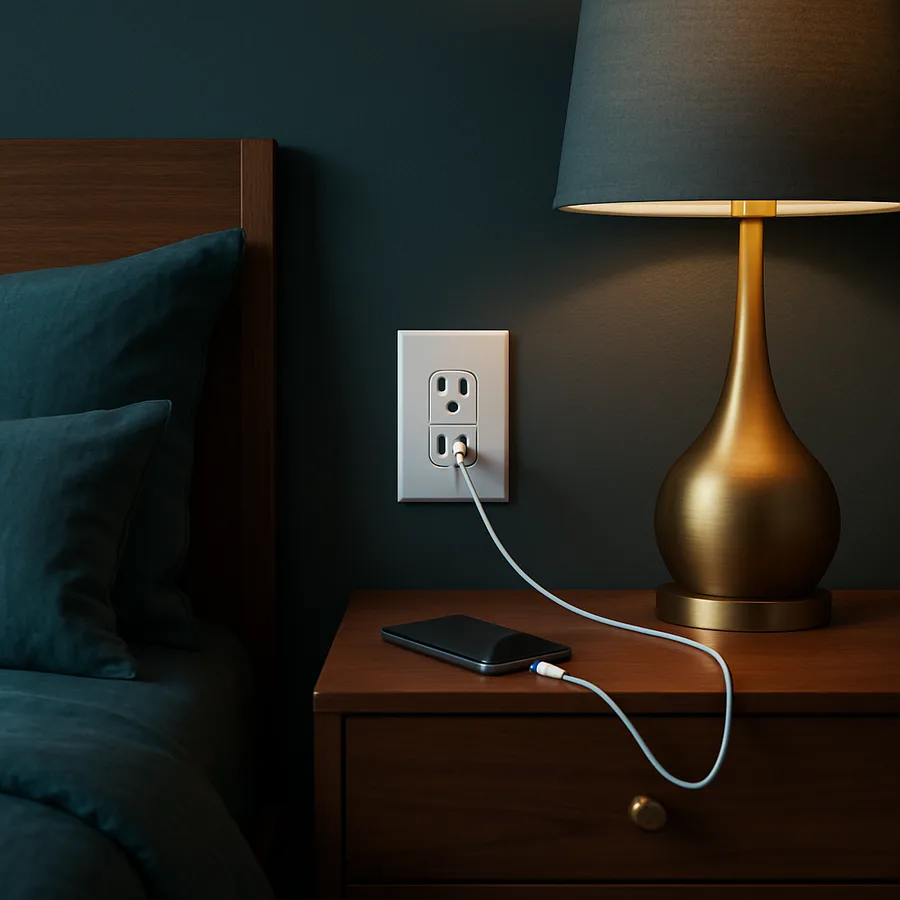
The bedside nightstand has quietly become the busiest power strip in the house. Phones, tablets, e-readers, fitness trackers, earbuds, and handheld game consoles all want to charge overnight, and the tangle of wall warts and travel adapters they require is both ugly and a real fire risk when cheap bricks pile up behind furniture. A modern USB wall outlet moves the conversion electronics into the receptacle itself, so the same square of wall delivers AC for a lamp and DC for every USB device in the room.
Done well, this small upgrade transforms how a nightstand, kitchen counter, or entryway console feels and functions. Done poorly, it creates heat issues, leaves you stuck with the wrong USB standard a few years later, or pulls a renovation budget into a wiring project nobody asked for. This guide explains what to look for in a USB receptacle, where to install them first, how the work compares to a standard outlet swap, and how to think about future-proofing as USB-C Power Delivery takes over from older USB-A connectors.
Why USB Receptacles Beat A Pile Of Wall Adapters
The most obvious benefit is aesthetic. A single decora-style receptacle with two USB-C ports replaces two large adapter bricks and the cords coiled behind them. Furniture sits flush to the wall again, dust collects less, and the room reads as tidier without any change to the design palette. For staging a home for sale or for a guest bedroom, that visual cleanup is real value.
The functional case is just as strong. A built-in receptacle gives every guest, family member, or visiting kid a charging port without negotiating which adapter belongs to whom. That eliminates the small daily friction that happens when a phone is at 12% battery and the only available adapter is upstairs. According to Consumer Reports research, the average U.S. household now has more than ten USB-charging devices, and that count is rising every year. Each of those devices is happier with a clean, reliable port.
There is also a fire and electrical safety dimension. The Electrical Safety Foundation International notes that low-quality phone chargers, especially counterfeit or off-brand bricks, are an underappreciated source of residential fires. A UL-listed USB receptacle eliminates a category of cheap adapters from the bedroom and replaces them with a device that has been tested for sustained loads. Have you actually checked whether your current chargers carry a recognized safety mark?
USB-A, USB-C, And Power Delivery Explained
The world of USB ports is in the middle of a generational shift. USB-A is the older, larger rectangular port that has been around for decades. It still powers many older accessories, but it tops out at relatively low wattage. USB-C is the smaller oval connector that is symmetrical and reversible, and it supports much faster data and power. Most new phones, laptops, and accessories now ship with USB-C, and the regulatory environment is increasingly nudging the industry to consolidate around it.
Within USB-C, USB Power Delivery is the protocol that allows devices and chargers to negotiate higher voltages and currents. A simple USB-C port might deliver 15 watts, while a Power Delivery port can deliver 18, 30, 45, 65, or even 100 watts depending on the device. For a phone, 18 watts is enough for fast charging. For a tablet or modern laptop, you want at least 30 to 65 watts. When choosing a receptacle, look closely at the per-port and total wattage, and prefer USB-C with PD support for anything you expect to keep buying for the next several years.
Be aware that the printed total wattage on a receptacle is usually a shared budget. A receptacle advertising "60 watts total" with two ports may deliver 60 watts to one device or 30 to each, depending on how it allocates power. Read the product specifications carefully if you want to charge a laptop quickly while a phone is also plugged in.
Data speed is another differentiator that gets buried in marketing copy. Most USB-C receptacles handle charging only, with no data pass-through, which is fine for the vast majority of use cases. A few premium devices offer USB data, often at slower speeds, for accessory pairing or firmware updates. If you have any thought of using the wall port for anything other than power, confirm the data capability explicitly. Otherwise, plan to keep a short data cable on hand for tasks like syncing a camera, programming a smart device, or transferring files from a handheld console.
Where To Install USB Outlets For Maximum Benefit
Not every receptacle in your home needs USB ports. Walk through and identify the locations where USB charging actually happens. Bedside tables, kitchen counters near where phones land, an entryway drop zone, a home office desk, and a media room where remotes and gaming controllers accumulate are the highest-impact spots. A converted basement workshop or garage workbench can also benefit because of all the cordless tool batteries and accessories that now use USB-C.
Skip locations where USB ports rarely justify the cost. Behind heavy furniture that never moves, in seldom-used guest rooms, or in formal dining rooms, a USB receptacle is more about novelty than convenience. The math also matters: a USB receptacle typically costs three to four times what a basic outlet costs, so concentrating them where they get daily use stretches the budget further.
Think about which outlet on a duplex you replace. In a bedroom, prioritize the outlet closest to the bedside table, not the one behind the dresser. In a kitchen, prioritize the outlet near the coffee maker or the spot where phones get set down while cooking. Small placement decisions like these decide whether the device feels essential or forgotten.
If you're remodeling, consider opening up wall space for a second receptacle box rather than replacing an existing single device. Two narrow boxes side by side, one with AC and USB charging and one with two more AC outlets, can give a nightstand or counter all the flexibility it needs without crowding a single device. The marginal cost during a remodel is small because the wall is already open, and the long-term benefit is a charging station that handles a phone, a tablet, a noise machine, and a reading lamp simultaneously with no extension cords or surge strips needed.
Code Considerations And Tamper Resistance
The National Electrical Code, published by the National Fire Protection Association, treats a USB receptacle as a 125 volt receptacle for code purposes, which means it inherits the same requirements as any other outlet in that location. In bathrooms, kitchens, garages, and outdoor areas, that means GFCI protection is required. In most habitable rooms, tamper-resistant receptacles are required, which include internal shutters that prevent objects from being inserted into one slot at a time. Many quality USB receptacles are both tamper-resistant and rated for use on a GFCI-protected circuit.
Verify the device is UL listed rather than just FCC-marked. UL listing certifies the entire receptacle, including the USB power supply circuit, for North American safety standards. The National Electrical Manufacturers Association publishes guidance for receptacle design and testing, and reputable USB receptacle makers follow those guidelines. If a product seems unusually cheap, the savings are typically coming from omitted safety testing.
Local jurisdictions can add their own rules. If you live in a region that has adopted a recent NEC edition, GFCI requirements may extend further than you remember. Before starting a project, a quick call to your local building department or a licensed electrician confirms what is required in your area.
Step-By-Step Replacement And Heat Management
Replacing a standard outlet with a USB receptacle follows the same procedure as any receptacle swap, with one important addition: heat. USB receptacles have active electronics inside, and those electronics generate warmth even when not actively charging. The depth of the device is also typically greater than a standard outlet. Both factors mean the electrical box must accommodate the heat and the physical size.
Start by turning off the breaker that controls the circuit and verifying the outlet is dead with a non-contact voltage tester at three points: before removing the cover plate, after removing the plate, and after pulling the old receptacle out of the box. Note how the existing device is wired, including any downstream conductors. USB receptacles have line terminals, and some include load terminals for downstream protection.
Connect the incoming hot to the brass screw and neutral to the silver screw. Connect the ground to the green screw. Fold the conductors neatly into the box and screw the receptacle into place, taking care not to overcrowd the box. Restore power, verify the AC side with a plug-in tester, and verify each USB port with a USB power meter or simply by charging a known device. If the device feels noticeably hot after an hour of charging, the box may be too shallow and warrant replacement with a deeper old-work box.
Future-Proofing With USB-C And Higher Wattage
The fastest way to regret a USB receptacle purchase is to install one with only USB-A ports today. Within a few years, virtually every new portable electronic device will ship with a USB-C cable, and your USB-A ports will gather dust while everyone reaches for the AC outlet and a separate adapter. Pay the small premium for a dual USB-C receptacle, or at least a hybrid USB-A and USB-C model, every time.
Prefer Power Delivery support over generic USB-C. A receptacle that supports USB PD can fast-charge a phone in roughly half the time of a non-PD port, and it can charge tablets and small laptops at usable speeds. Look at per-port wattage carefully. A 20 watt PD port handles phones and tablets well. A 30 to 60 watt port covers most laptops and devices an average household will own over the next several years.
Finally, consider how a future cycle of devices might shift again. USB-C is itself evolving, with newer standards delivering up to 240 watts. You do not need to chase the absolute cutting edge, but choosing a receptacle from a manufacturer with a reputation for firmware updates and a clear UL-listed product line is a hedge against early obsolescence. Have you checked whether the brand you are considering has been around for more than a couple of product cycles?
Replacement parts and warranty support are worth a few minutes of research before purchase. Established brands like Leviton, Lutron, Eaton, and Hubbell publish clear product datasheets, maintain spare wall plates, and stand behind multi-year warranties. Off-brand devices sold under shifting names through online marketplaces often disappear within a year or two, leaving you with no recourse if a port fails or the housing cracks. The premium for a recognized brand is typically only a few dollars per device, which is trivial compared with the cost of pulling a failed receptacle out of a wall and starting over.
Plan for new device types you don't yet own. A child who is six today will be twelve in a few short years, with a phone, a laptop, headphones, and a handheld gaming device of their own. The USB receptacle you install in their room now will need to handle all of those future devices simultaneously. Pick wattage and port count generously, and the receptacle will continue to feel new long after the surrounding paint has been refreshed.
Conclusion
A handful of well-chosen USB wall outlets is one of the highest-satisfaction small projects a homeowner can take on. The work is finished in an afternoon, the cost is moderate, and the daily benefit lasts for years. Each replaced receptacle removes a tangle of adapters from a visible surface, simplifies how visitors and family members charge devices, and reduces the inventory of cheap power bricks circulating through the house.
Treat the project as an electrical task, not just a cosmetic one. Use UL-listed devices, prefer USB-C with Power Delivery, and respect the code requirements for GFCI protection and tamper resistance in the rooms you are upgrading. If you are not comfortable working inside a live panel or have shallow electrical boxes that need replacement, hire a licensed electrician. The cost of professional installation is modest compared with the longevity of a clean, safe upgrade.
If you are ready to begin, identify three or four locations in your home where USB charging actually happens every day and price out high-quality USB-C Power Delivery receptacles for those spots first. Start with the bedside table, the kitchen counter, and the entryway. Once you experience how much friction those three outlets remove from daily life, the rest of the home gets easier to plan, and the once-cluttered surfaces around your house begin to feel deliberately, restfully clear.


Comments
Post a Comment