Unlock Your Creativity: Top 5 Free Interior Design Apps to Transform Your Space
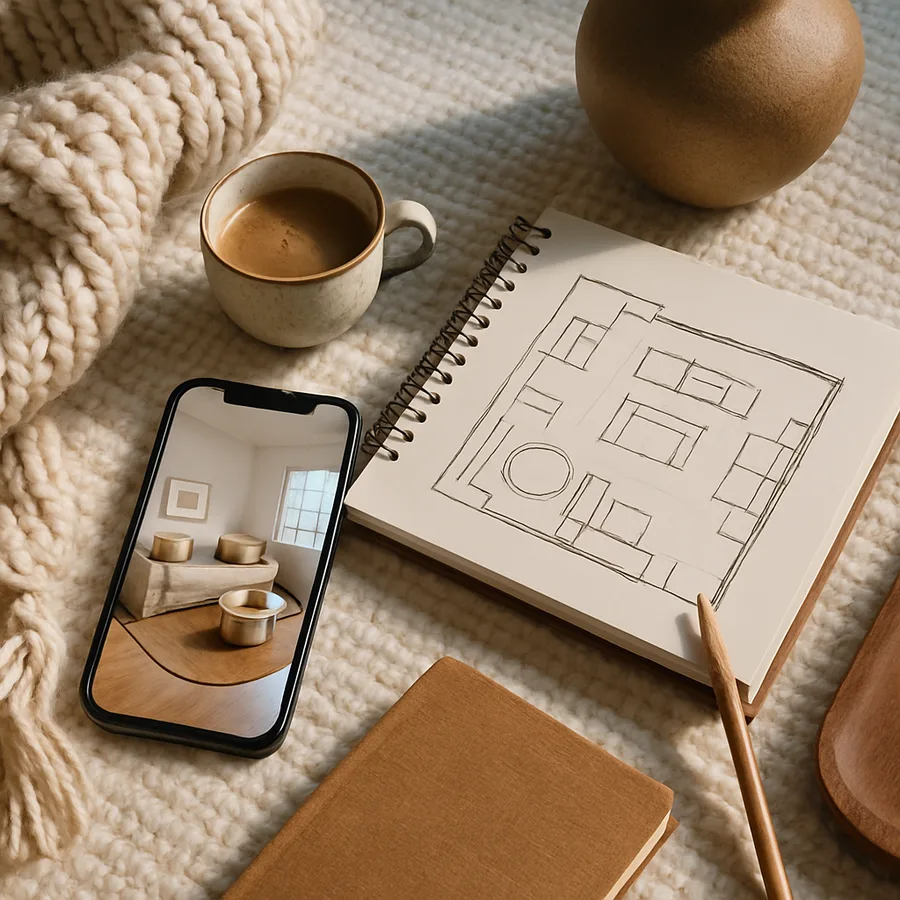
The democratization of interior design technology has reached a remarkable tipping point. Tools that were once exclusive to professional designers working at NCIDQ-certified firms are now available to anyone with a smartphone or tablet, and many of the best options cost nothing at all. According to a report by the American Society of Interior Designers (ASID), the use of digital design tools among homeowners has increased by 340% over the past five years, fundamentally changing how people approach home improvement projects. These free applications allow you to experiment with layouts, test color combinations, and visualize furniture in your actual rooms before committing a single dollar to purchases.
The appeal of free interior design apps extends far beyond simple cost savings. They represent a fundamental shift in how creative vision translates into physical reality. Where once you might have spent hours trying to describe your ideas to a contractor or struggling to imagine how a particular sofa would look in your living room, these tools provide instant visual feedback. The International Interior Design Association (IIDA) has acknowledged this technological revolution, noting that digital visualization tools reduce design regret, where homeowners are unhappy with completed purchases, by an estimated 40%. That reduction in mistakes translates directly into both financial savings and emotional satisfaction.
But with hundreds of design apps available across app stores, how do you identify the ones that genuinely deliver value without hidden costs or frustrating limitations? We have evaluated dozens of free interior design applications against criteria including ease of use, feature depth, rendering quality, device compatibility, and the true extent of their free offerings. The five apps highlighted in this guide represent the best combination of accessibility and capability available today. Whether you are planning a complete room renovation or simply want to experiment with rearranging your existing furniture, at least one of these tools will transform how you approach your home design projects.
Why Digital Design Tools Have Become Essential for Modern Homeowners
The traditional approach to interior design involved fabric swatches, paint chips, and a great deal of imagination. While these tactile methods still have value, they cannot match the speed, accuracy, and versatility of digital tools. A physical paint sample on a wall shows you one color in one lighting condition. A digital tool can show you that same color across every wall in the room, at different times of day, alongside your existing furniture and decor. This comprehensive visualization capability has made digital tools not merely convenient but essential for making confident design decisions. Houzz research indicates that homeowners who use visualization tools before purchasing are 67% more likely to be satisfied with their final results.
The financial stakes of interior design decisions make these tools even more valuable. The average American household spends approximately $2,500 annually on home furnishings and decor according to the Bureau of Labor Statistics. Poor choices, items that do not fit, colors that clash, pieces that do not suit the room's proportions, represent a significant waste within that budget. Free design apps effectively eliminate the guesswork that leads to costly mistakes. By testing ideas digitally before purchasing, you can redirect those potential losses toward pieces you will actually love for years to come. Professional designers at ASID-member firms have increasingly encouraged their clients to experiment with these tools between consultations.
Have you ever purchased a piece of furniture online only to discover it was completely wrong for your space once it arrived? Digital room planning tools address this universal frustration by letting you place accurately scaled 3D models of specific products in virtual replicas of your actual rooms. Some apps even use augmented reality to overlay virtual furniture directly onto live camera feeds of your space. This technology, which seemed futuristic just a few years ago, is now standard in several free applications. The result is a level of purchase confidence that was previously available only to those who could afford professional design services.
Planner 5D: The Comprehensive Room Planning Powerhouse
Planner 5D stands out as perhaps the most feature-rich free interior design application available today. Its core offering includes both 2D floor plan creation and full 3D room rendering, allowing you to design spaces from blueprint to photorealistic visualization without switching tools. The application's catalog includes thousands of furniture items, fixtures, and decorative objects that can be dragged into your designs and customized with different colors, materials, and dimensions. For homeowners who want a single tool that handles every aspect of room planning, Planner 5D delivers exceptional value at its free tier.
The user interface strikes an effective balance between capability and accessibility. New users can create their first room design within minutes using the intuitive drag-and-drop system, while experienced users can access advanced features like custom textures, precise dimensional controls, and multi-room floor plans. NCIDQ-certified professionals have noted that Planner 5D's rendering engine produces results comparable to entry-level professional software. The free version does include some limitations on catalog access and rendering quality, but the core planning and visualization features are fully functional. This makes it an excellent starting point for anyone serious about planning a room redesign.
One particularly valuable feature is Planner 5D's snapshot tool, which lets you capture views of your design from any angle and share them with family members, contractors, or designers for feedback. This collaborative capability transforms the design process from a solitary exercise into a shared conversation. The IIDA has highlighted the importance of stakeholder communication in successful design projects, and tools that facilitate visual communication, rather than relying on verbal descriptions, dramatically reduce misunderstandings. If you are working with a partner or family members who have different design preferences, Planner 5D's visual output provides a common language for productive discussion.
Houzz: Where Inspiration Meets Practical Shopping
Houzz occupies a unique position in the interior design app landscape because it seamlessly integrates inspiration discovery with practical product sourcing. With over 25 million high-resolution photos of professionally designed interiors, Houzz serves as arguably the world's largest visual database of interior design ideas. But what elevates it beyond a simple photo gallery is the ability to identify and purchase specific products directly from the images that inspire you. See a lamp you love in a designer's living room photo? Houzz's visual recognition technology can identify it and link you directly to a vendor, often with user reviews and competitive pricing.
The app's "View in My Room" augmented reality feature is among the best in the industry. Using your device's camera, it places accurately scaled 3D models of products directly into your actual space, accounting for perspective, lighting, and proportion. ASID professionals have praised this feature for its accuracy, noting that it gives homeowners a level of spatial understanding that flat photos and dimensions alone cannot provide. The feature works with hundreds of thousands of products across furniture, lighting, decor, and fixtures categories. Seeing a specific dining table at actual scale in your dining room, rather than imagining it from a product photo, fundamentally changes the purchase decision process.
Beyond product discovery, Houzz connects homeowners with a vast network of design professionals, contractors, and architects. User reviews, portfolio photos, and direct messaging capabilities make it straightforward to find and vet professionals for your project. The platform's ideabooks feature allows you to save and organize inspiration images into themed collections, creating visual mood boards that can guide your design direction. This combination of inspiration, visualization, shopping, and professional connection makes Houzz an indispensable tool at every stage of the design process. What other single platform lets you discover a design concept, visualize it in your home, purchase the products, and hire someone to install them?
Roomstyler 3D Home Planner: Browser-Based Design Without Downloads
Roomstyler 3D Home Planner distinguishes itself with a browser-based approach that requires no software download or installation. This web-native design makes it accessible from any computer regardless of operating system, and it runs entirely in the cloud so your designs are automatically saved and accessible from multiple devices. For homeowners who want to experiment with room design without cluttering their devices with another app, Roomstyler offers a compelling alternative. The tool uses real brand-name furniture and products in its catalog, meaning the items you place in your virtual room can actually be purchased from partnering retailers.
The rendering quality of Roomstyler's 3D views is remarkably impressive for a free, browser-based tool. Designs can be viewed from any angle, and the lighting simulation provides a realistic sense of how natural and artificial light will interact with your chosen colors and materials throughout the day. The IIDA has recognized the importance of lighting in interior design, noting that it affects not only aesthetics but also occupant mood, productivity, and even circadian rhythm regulation. Roomstyler's ability to simulate lighting conditions helps you make informed decisions about window treatments, lamp placement, and the reflective properties of different surface materials, all before any physical changes are made.
The community aspect of Roomstyler adds an unexpected dimension of value. Users can browse, comment on, and draw inspiration from designs created by other community members. This social element transforms room design from a potentially isolating activity into a collaborative and educational experience. You can see how other users have solved design challenges similar to yours, discover creative furniture arrangements you would not have considered, and receive constructive feedback on your own designs. For aspiring interior designers or enthusiastic amateurs, this community serves as an informal design school where learning happens through observation and experimentation rather than formal instruction.
MagicPlan: Turning Your Phone Camera Into a Floor Plan Generator
MagicPlan addresses one of the most tedious aspects of interior design: creating accurate floor plans of existing spaces. Traditional room measurement involves tape measures, graph paper, and considerable patience. MagicPlan replaces this entire process with your smartphone camera. Using augmented reality and computer vision technology, the app can measure and map a room in minutes, producing a dimensionally accurate floor plan that serves as the foundation for all subsequent design work. Houzz professionals have highlighted accurate measurement as the single most critical factor in successful interior design projects, and MagicPlan makes that accuracy accessible to everyone.
The app's measurement accuracy is impressive, typically within 2% of physical measurements according to independent testing. This level of precision is sufficient for furniture planning, layout optimization, and even preliminary contractor estimates. Once a floor plan is generated, you can add doors, windows, fixtures, and furniture from the app's catalog, transforming a basic measurement tool into a complete design platform. The free tier provides core scanning and floor plan creation capabilities, making it an invaluable first step for any design project. NCIDQ professionals regularly recommend that homeowners create accurate floor plans before beginning any design work, and MagicPlan has made this professional best practice accessible to non-professionals.
Beyond individual room plans, MagicPlan can create comprehensive multi-room floor plans of entire homes or apartments. This whole-home perspective is crucial for understanding flow between spaces, identifying opportunities for better spatial organization, and planning renovations that affect multiple rooms. The app also generates material estimates and cost calculations based on your floor plans, helping you budget more accurately for flooring, paint, and other materials. For homeowners preparing to meet with contractors or designers, arriving with a MagicPlan floor plan demonstrates preparedness and enables more productive, detail-oriented conversations from the very first meeting.
IKEA Kreativ: Retail Integration Meets Serious Design Capability
IKEA Kreativ, the furniture giant's design visualization platform, has evolved well beyond a simple product catalog. The tool now offers full room scanning capability using LiDAR technology on compatible devices, creating detailed 3D replicas of your actual rooms. Into these digital twins of your spaces, you can place any item from IKEA's extensive catalog, seeing exactly how each piece fits, looks, and coordinates with your existing decor. The ASID has recognized IKEA Kreativ as a significant step forward in making design visualization accessible to mainstream consumers, noting that its room-scanning technology rivals tools previously available only in professional design software.
What makes IKEA Kreativ particularly valuable is its "erase and replace" feature, which allows you to digitally remove existing furniture from your scanned room before adding new pieces. This means you can see your space as a blank canvas, free from the visual clutter of current furnishings, and then build up a new design from scratch. The psychological impact of this capability is significant. It frees you from the anchoring bias of existing arrangements and encourages genuinely creative thinking about how your space could be used. Research from the IIDA suggests that homeowners who can visualize empty spaces are more likely to make transformative design changes rather than incremental adjustments that leave underlying layout problems unaddressed.
The obvious limitation of IKEA Kreativ is its restriction to IKEA products. However, for many homeowners, this limitation is actually a strength. IKEA's catalog is vast enough to furnish virtually any room in any style, from Scandinavian minimalism to eclectic bohemian, and the price points make it possible to furnish an entire room within a modest budget. The app's integration with IKEA's e-commerce platform means you can move from design to purchase to delivery scheduling without leaving the application. For budget-conscious homeowners who want to see exactly how an affordable redesign will look before committing, IKEA Kreativ provides an end-to-end experience that no other free tool can match. Is there a more satisfying feeling than knowing exactly how your new room will look before a single item is delivered?
Conclusion: Choosing the Right App for Your Design Journey
Each of the five apps profiled in this guide excels in different areas, and the best choice depends on where you are in your design journey and what specific challenges you face. If you need comprehensive room planning with 3D visualization, Planner 5D offers the most complete free toolset. If your priority is discovering specific products and seeing them in your space, Houzz's augmented reality and shopping integration are unmatched. For quick, browser-based experimentation without software installation, Roomstyler provides an excellent starting point. MagicPlan is the obvious choice when accurate room measurement is your primary need, and IKEA Kreativ delivers the best experience for budget-conscious shoppers who want to design with confidence.
The most productive approach is often to use multiple apps in combination, leveraging each tool's strengths at different stages of your project. Begin with MagicPlan to capture accurate floor plans, move to Planner 5D or Roomstyler for initial layout experimentation, use Houzz for product discovery and inspiration, and finish with IKEA Kreativ or Houzz's AR feature to validate specific purchase decisions. This multi-tool workflow mirrors the approach that many NCIDQ-certified professionals use, combining specialized tools rather than relying on a single application for every task.
The era of design guesswork is over. These free applications provide capabilities that would have cost thousands of dollars in professional software licenses just a decade ago. Take advantage of them. Download one today, scan your most frustrating room, and start experimenting with new possibilities. You may discover that the home you have been dreaming about is closer than you think, and that unlocking your creative potential requires nothing more than the device already in your pocket and the willingness to explore what these remarkable tools can do.
More Articles You May Like



Comments
Post a Comment