Transform Your Space: Top 5 Interior Design Apps You Need
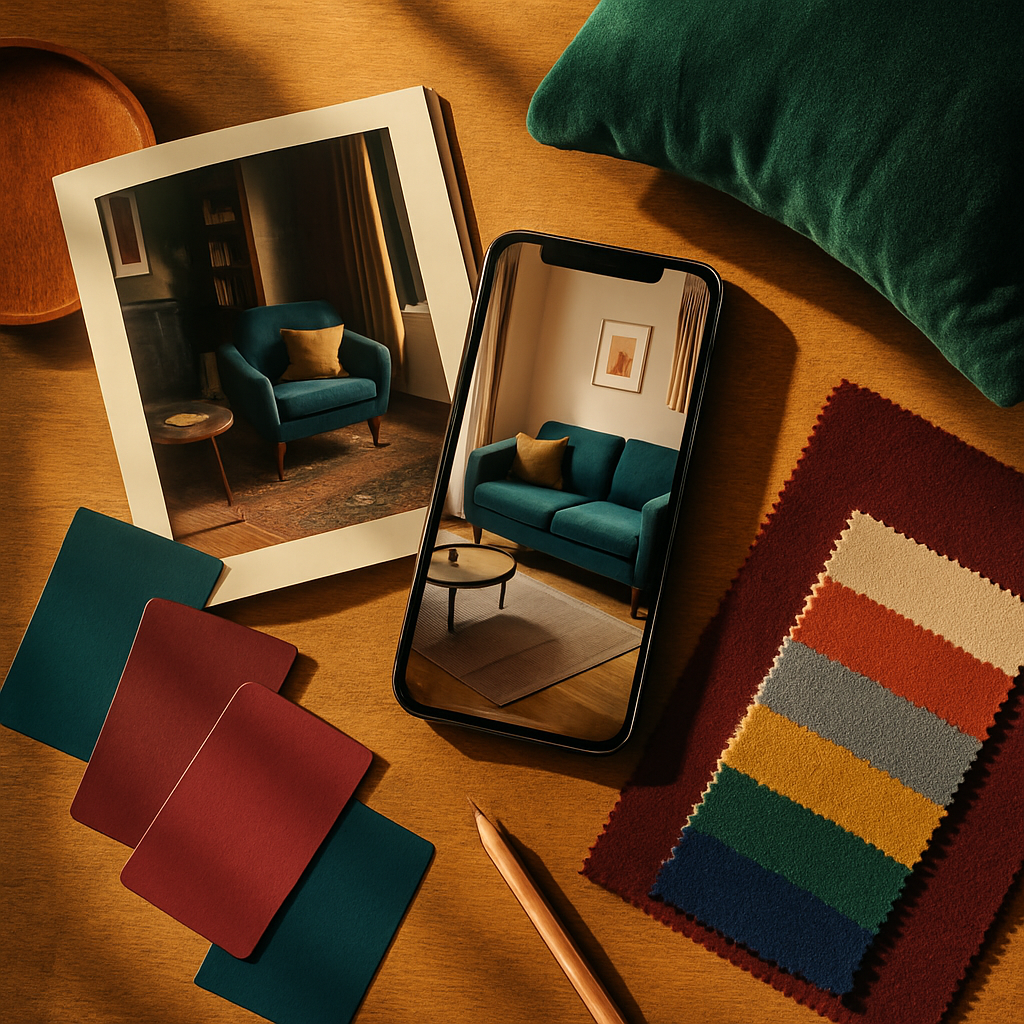
A smartphone now holds more design power than a professional studio possessed a decade ago. Interior design apps have advanced from simple mood board collectors into full planning suites that offer floor plan creation, 3D rendering, augmented reality furniture placement, and real-time budget tracking, all from a device that fits in a back pocket. The American Society of Interior Designers (ASID) reported that 58 percent of homeowners who undertook a renovation project in 2023 used at least one mobile design app during the planning phase, up from 34 percent just three years earlier. That adoption curve reflects both the improving quality of these tools and the growing confidence homeowners feel when they can see a proposed change before committing money to it. The five apps examined here represent the current best-in-class options for different planning needs, from quick room measurements to photorealistic renders that rival magazine spreads.
Planner 5D: The All-in-One Room Design Powerhouse
Planner 5D occupies the generalist sweet spot where ease of use meets genuine depth. The app lets users draw floor plans from scratch or choose from a library of pre-built room templates, then furnish and decorate in a fully navigable 3D environment. Wall colors, flooring materials, furniture dimensions, and lighting fixtures are all adjustable, which means a user can model a Japandi-inspired living room with tatami-textured flooring and low-profile walnut furniture in the same session they test a maximalist library with floor-to-ceiling bookshelves and jewel-toned velvet seating. The free tier includes basic functionality; the premium subscription unlocks the full catalogue of over 6,000 items and HD rendering.
What distinguishes Planner 5D from simpler tools is its rendering engine. Activating the "Photorealism" mode produces images with accurate shadow casting, light diffusion through curtains, and reflective surfaces on countertops and glass tables. These renders are convincing enough to share with a contractor or a partner who struggles to visualize spatial descriptions. Houzz featured Planner 5D in its 2023 roundup of recommended homeowner tools, citing the app's ability to bridge the communication gap between clients and professionals. When both parties can examine the same photorealistic image, discussions about furniture placement or lighting positions become precise rather than abstract.
The app also supports multi-story projects, which matters for homeowners designing a two-level addition or wanting consistent design language between a main floor and a finished basement. Transition planning, ensuring that the color palette and material choices flow logically from one floor to another, is a skill that even experienced designers find challenging in two dimensions. Planner 5D's vertical navigation lets users flip between floors and see how a staircase landing connects the aesthetic of both levels. For a tool that costs less than a single hour of professional consultation at $150 to $500 per hour, the depth of planning it enables is remarkable.
Homestyler: Browser-Based Design with Professional Templates
Homestyler began as a web-based tool from Autodesk's ecosystem and has evolved into a standalone platform that balances professional-grade features with consumer accessibility. The app offers both a mobile experience and a full browser interface, which means users can sketch on a phone during a lunch break and refine on a laptop in the evening without losing progress. The template library is one of Homestyler's strongest assets: hundreds of professionally designed rooms serve as starting points that users can modify rather than starting from a blank canvas. This approach lowers the intimidation factor for first-time designers who know what they like but struggle to create it from zero.
One of Homestyler's standout capabilities is its integration with real product catalogues. When a user drops a dining table into a room, they can choose from branded options with accurate dimensions and real retail prices. That connection between design and commerce eliminates the common frustration of falling in love with a virtual room only to discover that the furniture does not exist or costs three times the expected amount. The International Interior Design Association (IIDA) has cited this catalogue integration trend as a positive development for consumer transparency, noting that it aligns homeowner expectations with market reality early in the planning process.
Homestyler's community gallery adds a social dimension that pure planning tools lack. Users can publish their designs, receive feedback, and browse what others have created for similar room shapes and styles. This peer-driven inspiration feed is particularly useful for spotting biophilic design applications, where users share creative ways to incorporate indoor plants, natural wood textures, and water features into compact urban apartments. Have you considered how a vertical herb garden mounted beside a kitchen window could serve both an aesthetic and a functional purpose? The community gallery surfaces ideas like these that a catalogue search alone would never suggest.
IKEA Kreativ: Augmented Reality Meets Real Product Inventory
IKEA Kreativ represents the most direct link between design visualization and purchasing because every item in the app exists in IKEA's actual inventory with a real price tag and real-time stock availability. The app uses LiDAR scanning on compatible devices to capture a room's geometry, then lets users erase existing furniture and replace it with IKEA products placed at true scale. The LiDAR scan captures wall angles, ceiling height, and floor area with precision that manual measurement cannot match, which means a KALLAX shelving unit placed in the virtual room will fit the actual room without any unpleasant surprises on delivery day.
The "erase and redesign" feature is what separates IKEA Kreativ from standard AR placement tools. Instead of overlaying new furniture onto a cluttered room, the app digitally removes existing items so users see a clean slate populated only with their new selections. This capability solves a persistent visualization problem: it is difficult to judge whether a new sofa suits a space when the old sofa is still visually competing for attention. ASID's technology committee highlighted this erase feature as a significant UX advancement in consumer design tools because it mirrors the mental process a designer follows when envisioning a room's potential rather than its current state.
Budget management is built into the experience. As users furnish a room, the app tallies the total cost, item by item, and provides a direct link to the checkout flow. For a $5,000 to $15,000 room budget, seeing the running total prevents the incremental creep that turns a modest refresh into an accidental splurge. Smart home compatibility also factors into IKEA's product range; the TRADFRI lighting system and FYRTUR motorized blinds can be placed in the virtual room and controlled through the IKEA Home Smart app once purchased. That continuity from virtual planning to physical installation to daily smart home operation is a workflow no other single-brand app currently matches.
Havenly: Professional Design Guidance Inside an App
Havenly occupies a unique position because it is not purely a self-service tool; it pairs users with a real interior designer who works within the app's interface. After completing a style quiz and uploading room photos, users are matched with a designer whose portfolio aligns with their preferences. The designer then creates a concept board, a 3D render, and a curated shopping list, all delivered through the app. Pricing starts at $75 for a mini consultation and scales to $499 for a full room design, positioning Havenly as an affordable entry point to professional guidance that would otherwise cost $150 to $500 per hour in a traditional setting.
The app's strength is the feedback loop between user and designer. Unlike fully automated tools, Havenly allows two revision rounds where the user can request changes to furniture selections, color choices, or layout configurations. This iterative process mimics the collaborative dynamic of a traditional designer-client relationship without the overhead of in-person meetings. NCIDQ-certified designers are available on the platform, which adds a layer of credibility that algorithm-only tools cannot offer. For homeowners tackling a room with challenging proportions, an awkward window placement, or an open floor plan that resists obvious furniture groupings, having a human expert interpret the constraints is invaluable.
Havenly's shopping integration deserves attention because it aggregates products from multiple retailers rather than locking users into a single brand's catalogue. A designer might combine a West Elm sofa with a Target accent table and an Etsy artisan lamp, creating a layered look that a single-store app cannot achieve. Does your current living room feel like a furniture showroom because every piece came from the same collection? Havenly's multi-source approach deliberately avoids that "catalogue page" uniformity. AD PRO recognized this model as a democratizing force in design services, making professional curation accessible to households that previously considered it a luxury reserved for six-figure renovation budgets.
Magicplan: Precision Measurement and Contractor-Ready Output
Magicplan focuses on the unglamorous but critical foundation of any design project: accurate room measurement. The app uses the phone's camera and sensors to scan a room and generate a dimensioned floor plan in minutes. Walls, doors, windows, and structural columns are captured with enough precision that contractors can use the output for preliminary bidding. For homeowners who dread the tape-measure-and-notebook ritual, Magicplan automates the most tedious step in the renovation process. The app supports multiple export formats including PDF, DXF, and SVG, which means the floor plan integrates directly into professional CAD workflows if the project escalates to an architect or structural engineer.
Beyond measurement, Magicplan includes a cost estimation module that applies regional labor and material rates to the scanned floor plan. Selecting "kitchen renovation" for a scanned room generates a ballpark estimate broken down by demolition, plumbing, electrical, cabinetry, countertops, and finishing. These estimates are rough, typically within 20 percent of actual contractor bids, but they establish a financial baseline that prevents sticker shock during the first professional consultation. Houzz survey data indicates that homeowners who arrive at a contractor meeting with a preliminary budget and a dimensioned floor plan receive more accurate bids and experience fewer change orders during construction.
The app's object recognition continues to improve with each update. Current versions identify standard furniture, appliances, and fixtures during the scan, which means the floor plan arrives pre-populated with existing items that can be kept, moved, or removed in the planning phase. This feature bridges the gap between Magicplan's measurement focus and the decorating capabilities of apps like Planner 5D. A practical workflow uses Magicplan for the initial scan, exports the floor plan, and imports it into a 3D design tool for furnishing and rendering. That two-app pipeline produces results that rival professional deliverables at a combined cost of under $20 per month in subscriptions.
How to Choose the Right App for Your Specific Project
Selecting the right app depends on where you are in the design process and what kind of output you need. If you are at the earliest stage, exploring styles and gathering inspiration, Homestyler's community gallery and template library provide a low-friction starting point. If you have a specific room and a specific retailer in mind, IKEA Kreativ's AR scanning and real-inventory integration eliminate the gap between planning and purchasing. For homeowners who want professional input without professional prices, Havenly's designer-in-the-loop model offers the best balance of expert guidance and affordability.
Measurement and contractor coordination demand different tools than aesthetic exploration. Magicplan's dimensional accuracy and export formats serve the pre-construction phase where precision matters more than pretty renders. Planner 5D covers the broadest middle ground, offering floor plans, 3D furnishing, and photorealistic rendering in a single package. Many successful projects use two or three apps in sequence: scan with Magicplan, design with Planner 5D, verify furniture scale with IKEA Kreativ's AR. The apps are not competitors so much as complementary instruments in a toolkit, each optimized for a different stage of the journey from empty room to finished space.
Budget also influences the choice. Free tiers are sufficient for casual exploration, but serious projects benefit from premium subscriptions that unlock HD rendering, expanded catalogues, and export capabilities. At $10 to $30 per month, these subscriptions cost less than a single design consultation and deliver months of planning utility. IIDA recommends that homeowners allocate one to two percent of their total project budget to planning tools and resources, a guideline that comfortably covers app subscriptions, sample orders, and perhaps one professional consultation to validate the plan before construction begins. What stage is your project in right now, and which capability gap is costing you the most time or confidence?
Conclusion
The five apps profiled here, Planner 5D, Homestyler, IKEA Kreativ, Havenly, and Magicplan, collectively cover every phase of a home design project from initial measurement to professional consultation. Each app excels in a specific domain, and the smartest approach is to combine two or three based on your project's demands rather than expecting a single tool to do everything. The technology is mature enough that a homeowner with no design training can produce a dimensioned floor plan, a photorealistic render, and an itemized budget in a single weekend.
Start tonight by downloading the app that addresses your most immediate need. If you have an empty room and no measurements, begin with Magicplan. If you have measurements but no vision, open Planner 5D or Homestyler. If you have a vision but need a professional sanity check, book a Havenly consultation. One focused session with the right app will move your project further than weeks of indecisive browsing, and the confidence that comes from seeing your ideas rendered in three dimensions is the momentum every renovation needs to cross the line from planning to action.



Comments
Post a Comment