Transform Your Interior Design Workflow with SketchUp: Tips and Tricks
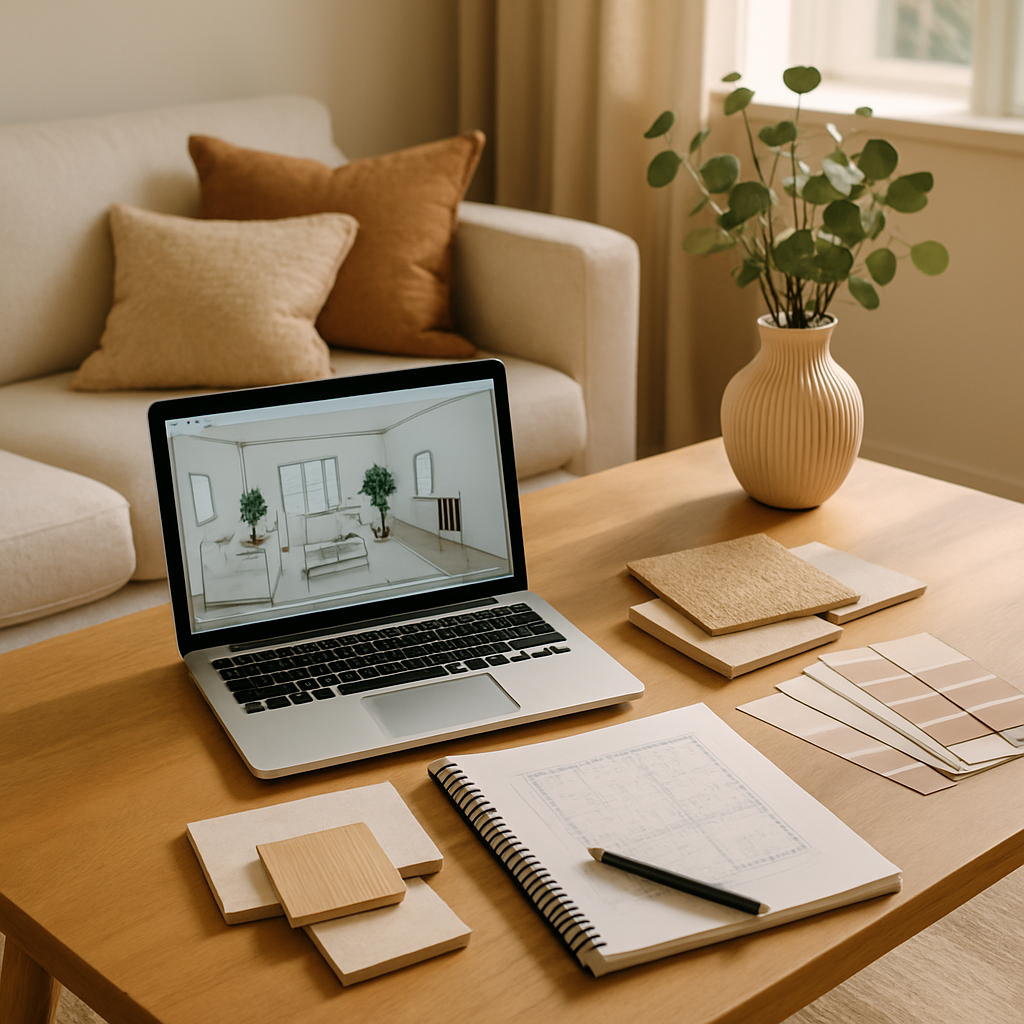
Imagine walking into a perfectly designed room, where every element feels intentional and harmonious. According to a recent Houzz survey, well-designed interiors can increase a home's resale value by 5-15%. For interior designers, creating such spaces efficiently is key to success. Enter SketchUp, a powerful tool that can elevate your design workflow. In this article, we'll explore how SketchUp can transform your interior design process. We'll cover foundational concepts, dive into deeper analyses with data, offer actionable strategies, and provide expert-level insights. By the end, you'll have a comprehensive understanding of how to integrate SketchUp into your workflow effectively.
Mastering the Basics of SketchUp
Before diving into advanced features, it's essential to grasp the foundational concepts of SketchUp. This 3D modeling software is renowned for its user-friendly interface, making it accessible for both beginners and experienced designers. SketchUp allows you to create detailed models of your interior spaces, enabling you to visualize and experiment with different design elements before committing to them. This not only saves time but also reduces costly mistakes during the implementation phase.
For those new to SketchUp, starting with the right tools and settings is crucial. The software offers a wide range of tools, but familiarizing yourself with the basic ones-such as the line, rectangle, and push/pull tools-will lay a solid foundation. These tools allow you to create basic shapes and structures, which can be further refined as you gain confidence. Many designers recommend starting with a simple project, like modeling a single piece of furniture, to build your skills.
Once comfortable with the basics, it's important to consider the organization of your SketchUp projects. Experienced professionals often note the importance of using layers and groups to keep your models organized. By categorizing elements into different layers, you can easily hide or show parts of your model, streamlining the editing process. As you master these foundational elements, you're better prepared to tackle more complex projects.
Understanding these basics transitions us into exploring how data and analytics enhance SketchUp's capabilities, offering deeper insights into your designs.
Leveraging Data and Analytics in SketchUp
Incorporating data into your SketchUp workflow can significantly enhance your design process. According to ASID (American Society of Interior Designers), data-driven design decisions are becoming increasingly critical in creating spaces that are both functional and aesthetically pleasing. By using SketchUp's analytics features, you can access valuable insights into your models, such as dimensions, material usage, and spatial relationships.
One of the most powerful features in SketchUp is the ability to create detailed reports. These reports provide quantifiable data on various aspects of your design, from material quantities to cost estimates. For example, by generating a report on a kitchen remodel, you can accurately calculate the amount of tile needed for the backsplash or the square footage of countertops required. This data-driven approach ensures you stay within budget and timeline.
Additionally, SketchUp's integration with other platforms, such as Layout and Trimble Connect, allows for seamless collaboration and data sharing. These integrations enable you to share models and reports with clients and contractors, facilitating better communication and project management. The ability to visualize data in a 3D model provides a more comprehensive understanding of the project, leading to more informed decision-making.
With a solid understanding of how to leverage data in SketchUp, the next step is implementing actionable strategies to optimize your workflow.
Implementing Actionable Strategies with SketchUp
To truly harness the power of SketchUp, it's essential to implement actionable strategies that streamline your workflow. One key strategy is to develop a consistent process for each project. This might include setting up templates for common design elements, such as room layouts or furniture arrangements. By having these templates readily available, you can save time during the initial stages of design and focus on creativity.
Another effective strategy is utilizing SketchUp's extensive library of plugins. These plugins can automate repetitive tasks, enhance rendering capabilities, and introduce new functionalities. For example, the "1001bit Tools" plugin offers an array of architectural tools that simplify complex modeling tasks, such as creating staircases or roof structures. By incorporating these plugins into your workflow, you can significantly increase efficiency and accuracy.
Additionally, consider incorporating real-world context into your designs by using geolocation features. By setting the location of your project site, you can account for natural lighting conditions throughout the day. This feature enables you to design spaces that maximize natural light, which is a key element in biophilic design-a trend that continues to gain popularity in 2026.
Having established these strategies, we can now delve into expert-level details that further refine your use of SketchUp.
Expert-Level Details to Elevate Your Design
For experienced designers looking to push the boundaries of their creativity, SketchUp offers several advanced features that can elevate your projects. One such feature is the use of dynamic components. These components allow for interactive models that can be adjusted with parameters, such as dimensions or materials, enabling you to quickly explore different design scenarios. This flexibility is invaluable when presenting options to clients or making last-minute changes.
Another expert-level approach is utilizing SketchUp's photorealistic rendering capabilities. By integrating rendering plugins like V-Ray or Enscape, you can produce stunning visuals that bring your designs to life. These renderings not only impress clients but also provide a realistic preview of the final result, ensuring alignment with the design vision. Clients can visualize textures, lighting, and colors in a way that traditional sketches can't achieve.
Moreover, virtual reality (VR) integration is a cutting-edge feature that allows clients to experience spaces before they're built. This immersive experience provides a sense of scale and proportion that traditional 2D plans can't convey. By using VR tools, designers can offer clients a walkthrough of their future home, making the design process more engaging and interactive.
Building on these advanced techniques, we can further explore additional insights that enhance your SketchUp proficiency.
Additional Insights and Advanced Tips
Beyond the standard features, SketchUp offers several hidden gems that can further enhance your design workflow. One such feature is the use of custom shortcuts. By assigning keyboard shortcuts to frequently used tools, you can speed up your modeling process significantly. This customization allows you to tailor the software to your personal workflow, making design tasks more intuitive and efficient.
Another advanced tip is to utilize SketchUp's scene and style settings effectively. By creating scenes, you can save specific viewpoints of your model, which can be used for presentations or to track design changes. Styles, on the other hand, allow you to adjust the visual appearance of your model, from sketchy lines to photorealistic textures. Experimenting with different styles can help communicate your design intent more clearly to clients and stakeholders.
Finally, staying updated with SketchUp's latest updates and features is crucial for maintaining a competitive edge. Platforms like SketchUp's official blog and forums are valuable resources for discovering new tools, plugins, and best practices. Engaging with the SketchUp community can also provide inspiration and support as you refine your skills.
With these additional insights, we transition into our final perspectives on integrating SketchUp into your design practice.
Final Perspectives on SketchUp Integration
Integrating SketchUp into your interior design practice can revolutionize the way you approach projects. By mastering its foundational concepts, leveraging data and analytics, and implementing actionable strategies, you can streamline your workflow and enhance your design capabilities. The advanced features and expert-level details covered in this article provide a roadmap for taking your designs to the next level.
As technology continues to evolve, staying informed about new tools and trends is essential for remaining competitive. SketchUp's ability to adapt to industry changes, from biophilic design to smart home integration, ensures that it's a valuable asset for any designer. By embracing these innovations, you can create spaces that are both functional and inspiring.
Ultimately, the key to success lies in continuous learning and experimentation. By exploring new features and refining your workflow, you can unlock the full potential of SketchUp in your design practice.
Conclusion
In summary, SketchUp offers a robust platform for transforming your interior design workflow. By mastering its basics, leveraging data, implementing strategies, and exploring expert-level features, you can enhance your design process and deliver exceptional results. Are you ready to elevate your designs and captivate your clients? Start by exploring SketchUp's extensive resources and experimenting with its features. This week, dedicate some time to watching tutorials or joining an online community to expand your skills. Even a small investment of time can yield significant improvements in your workflow.
As you continue to explore SketchUp's capabilities, you'll find new ways to express your creativity and meet the demands of modern interior design. Embrace the possibilities, and watch as your projects transform into captivating spaces that leave a lasting impression.



Comments
Post a Comment