Top 5 Free Interior Design Software Tools to Elevate Your Home Projects
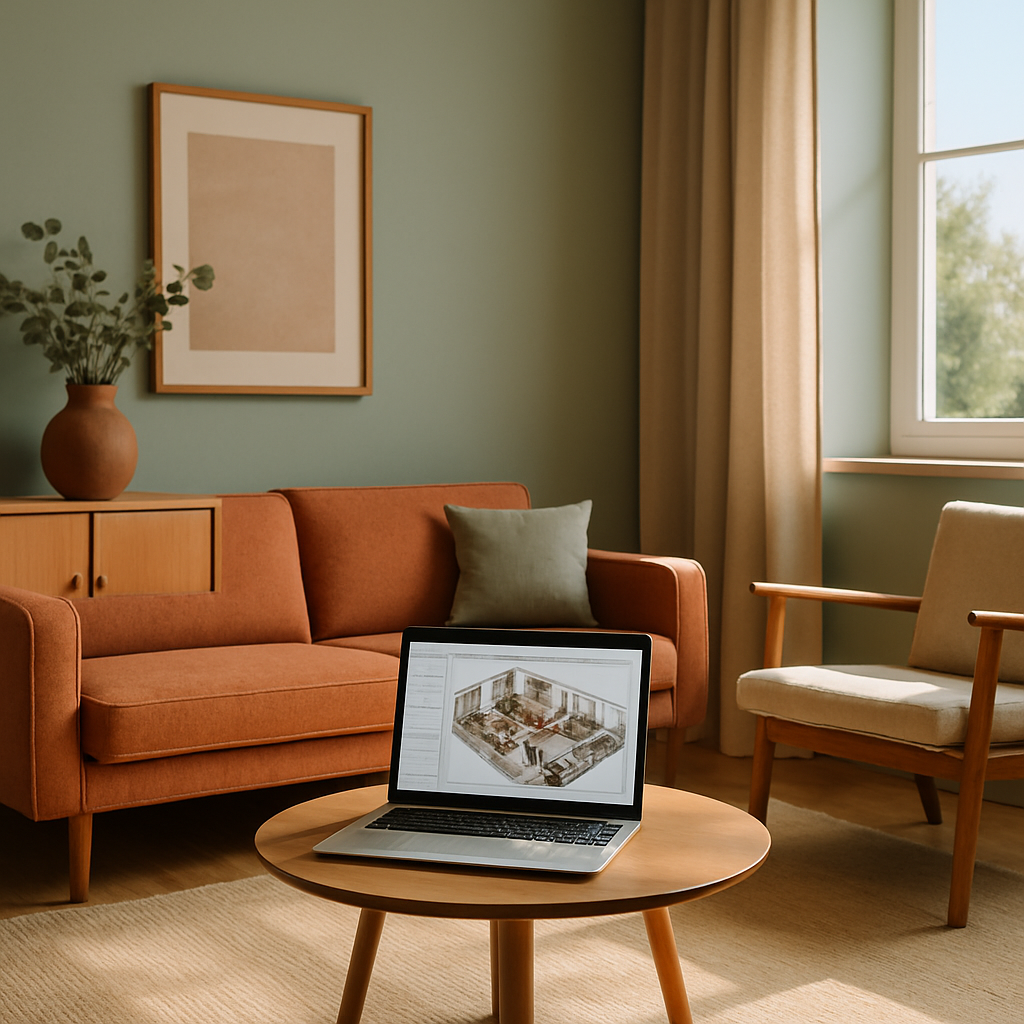
Imagine walking into a room that perfectly reflects your personal style and meets all your functional needs. Whether you're a design enthusiast or a homeowner embarking on a renovation, the right tools can make a world of difference. According to a Houzz survey, 58% of homeowners undertake interior design projects to update their homes' aesthetics. This article explores the top five free interior design software tools that can help you visualize and execute your dream projects. From foundational concepts to expert-level insights, you'll gain the knowledge to elevate your design game.
Understanding Interior Design Software
Before diving into specific tools, it's crucial to grasp the foundational concepts of interior design software. These digital platforms offer a range of features that allow users to create detailed floor plans, experiment with layouts, and visualize color schemes. For beginners, the interface may seem daunting, but understanding key functionalities can simplify the design process. Most software provides drag-and-drop elements, which let you effortlessly arrange furniture and decor.
These tools often include libraries of furniture, textures, and colors, enabling you to explore different styles without committing to physical changes. Many allow for 3D visualization, giving you a realistic preview of your space. This capability is essential for communicating ideas to partners or contractors, making it easier to align on project goals. Moreover, with the increasing integration of AR (Augmented Reality) and VR (Virtual Reality), users can immerse themselves in their designs, gaining a deeper understanding of spatial dynamics.
Understanding these features can significantly enhance your ability to execute your design vision. Are you ready to explore these innovative tools that can transform your ideas into reality? In the following sections, we'll delve into specific software options and their unique offerings.
Analyzing Key Features and Benefits
When selecting an interior design software tool, it's important to consider the unique features and benefits each one offers. For instance, SketchUp Free is renowned for its intuitive interface and robust 3D modeling capabilities. This makes it a favorite among both novice and experienced designers. With SketchUp Free, you can create detailed models and render them in lifelike 3D, helping you visualize complex design ideas with ease.
Another popular option is Roomstyler 3D Home Planner, which offers a vast library of real-world furniture and decor items. This feature allows users to test different combinations and see how they look together. Meanwhile, Floorplanner stands out for its ease of use and ability to create professional-looking floor plans. According to industry surveys, users appreciate Floorplanner's drag-and-drop functionality, which simplifies the task of arranging elements within a space.
These tools not only facilitate creativity but also improve project outcomes. By providing a virtual sandbox for experimentation, they reduce the risk of costly mistakes during implementation. Next, we'll explore actionable strategies for maximizing these tools' potential.
Actionable Strategies for Effective Use
To make the most of these free interior design software tools, start by clearly defining your project's scope and goals. This involves mapping out how you actually use each room - where you drop your keys, where the kids do homework, where you relax at the end of the day. By understanding your needs and preferences, you'll be better positioned to create functional and aesthetically pleasing designs.
Next, leverage the software's 3D visualization features to test multiple layouts and color schemes. This process can help you identify the design elements that work best for your space. Experienced professionals often note the importance of iteration - don't hesitate to refine your designs multiple times until you're satisfied with the result. Consider involving family members or friends in the process for additional perspectives and insights.
Finally, take advantage of any tutorials or online resources offered by the software platforms. Many offer comprehensive guides and community forums where you can learn from other users' experiences. Once you're comfortable with the software, you'll find it easier to translate your ideas into tangible results. As we proceed, we'll delve into expert-level details to further enhance your design projects.
Expert-Level Insights and Tips
For those seeking to elevate their design projects to a professional level, understanding advanced features and techniques is key. One such feature is the ability to import and modify CAD files, which is often supported by platforms like SketchUp. This capability is invaluable for designers who need to work with precise measurements and complex architectural details.
Additionally, many software tools offer integration with other design and productivity apps, such as Adobe Creative Cloud. This allows for seamless transitions between different stages of the design process, from concept development to final presentation. For instance, you can use Adobe Photoshop to refine textures and colors before applying them in your 3D models.
Moreover, staying updated on the latest design trends can inform your projects. In 2026, trends like biophilic design, which incorporates natural elements into interiors, and Japandi, a fusion of Japanese minimalism and Scandinavian warmth, are gaining traction. By incorporating these trends, you can create spaces that are both stylish and forward-thinking. In the next section, we'll explore additional resources to deepen your understanding of interior design.
Additional Resources for Continued Learning
To further enhance your design skills, consider exploring resources such as Houzz and Architectural Digest's AD PRO network. Houzz offers access to designer portfolios and project photos that can inspire and inform your own work. Similarly, AD PRO provides industry insights and trend analyses that are invaluable for staying ahead in the field.
Joining professional organizations like the American Society of Interior Designers (ASID) or the International Interior Design Association (IIDA) can also provide networking opportunities and access to continuing education resources. These organizations often host workshops, webinars, and conferences where you can learn from industry leaders and peers.
Finally, social media platforms like Instagram and Pinterest are excellent sources of visual inspiration. Following designers and influencers can expose you to a variety of styles and ideas, further enriching your understanding of interior design. As we transition to the final perspectives, consider how these resources can support your ongoing learning journey.
Final Perspectives on Interior Design Software
As you embark on your interior design projects, remember that the software tools available to you are just one piece of the puzzle. While they offer incredible capabilities for visualization and planning, the real magic happens when you combine these digital tools with your personal creativity and insight. Are you using these tools to their fullest potential, or are there features and resources you could explore further?
Ultimately, the goal is to create spaces that not only look beautiful but also enhance your quality of life. By harnessing the power of free interior design software, you can confidently experiment with new ideas and bring your vision to life. The journey from concept to completion is one filled with learning and growth, and each project is an opportunity to refine your skills.
Conclusion: Transform Your Ideas into Reality
In conclusion, the top five free interior design software tools discussed in this article offer a range of features to support your home projects. From intuitive interfaces to advanced 3D visualization, these tools empower you to explore and execute your design ideas with confidence. As you continue your journey, remember to leverage the resources available to you and stay open to learning new techniques.
Ready to take the next step? Start by browsing portfolios on Houzz this week - even 20 minutes of research will sharpen your eye for what you want. With the right tools and knowledge, you can transform your home into a space that truly reflects your style and meets your needs. Happy designing!



Comments
Post a Comment