Top 5 Free Interior Design Apps You Need to Transform Your Space
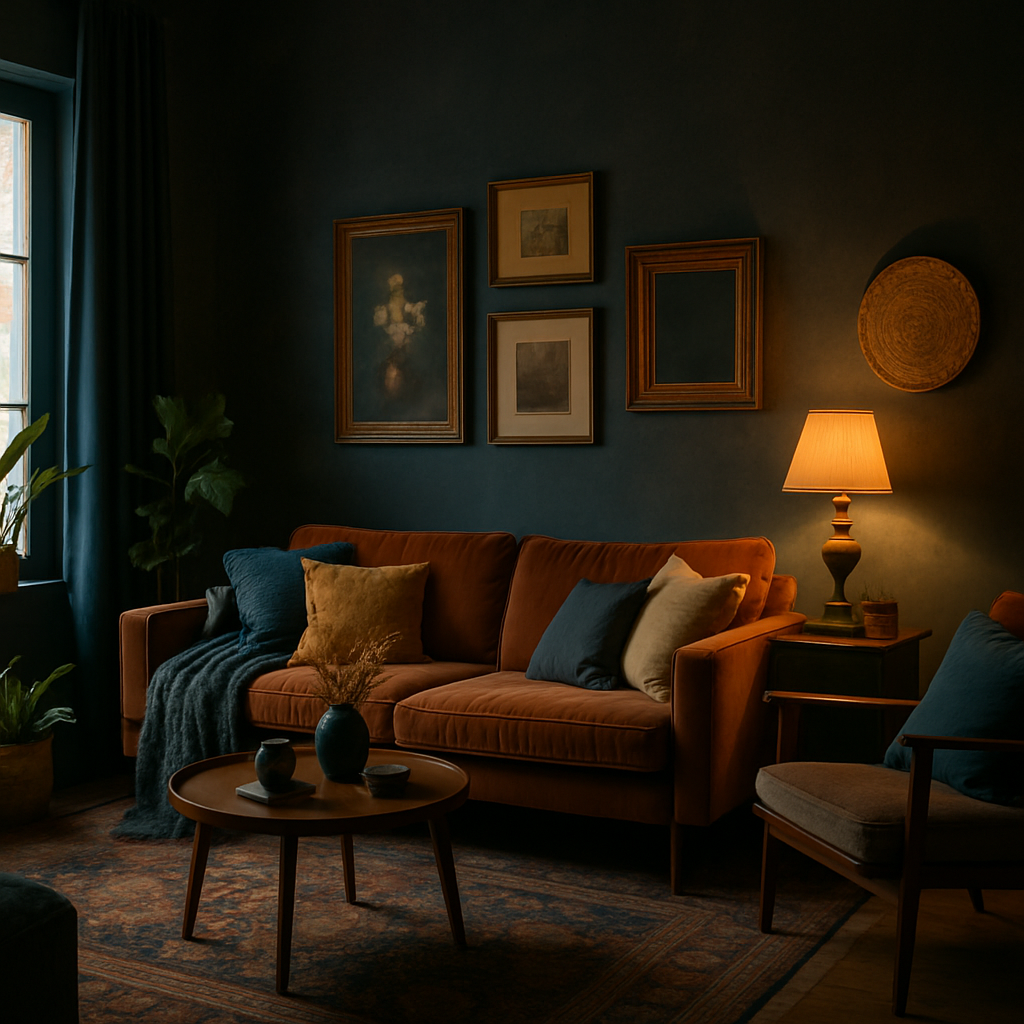
Have you ever walked into a room and felt an immediate sense of harmony, yet couldn't pinpoint why? The secret often lies in the design. According to the American Society of Interior Designers (ASID), well-designed spaces can enhance your mood, productivity, and even the value of your home by up to 15%. But what if you're not ready to hire a professional designer? That's where free interior design apps come into play. In this article, we'll explore the top 5 free apps that can help you visualize and execute your dream space, providing you with tools to make impactful changes without breaking the bank.
Understanding the Basics of Interior Design Apps
Before diving into the specifics of each app, it's important to understand how these tools can fundamentally change the way you approach interior design. Traditionally, designing a space involved a lot of guesswork, physical samples, and sometimes costly errors. However, with the advent of digital tools, you can now visualize changes instantly. Interior design apps allow you to play with colors, furniture placement, and even lighting before committing to a single purchase.
These apps leverage augmented reality (AR) and virtual reality (VR) technologies to offer a more immersive experience. For instance, AR capabilities in apps like Houzz let you place 3D models of furniture into your real-world environment through your smartphone camera. This not only saves time but also helps in making informed decisions. Imagine being able to see how a new couch fits in your living room before buying it!
Moreover, many apps incorporate elements of professional design software, offering tools for precise measurements and layout planning. This is particularly useful for those looking to undertake DIY projects or small renovations. By understanding these foundational concepts, you're better prepared to utilize these apps effectively. This understanding will lead us into exploring specific apps and their unique offerings.
Diving Deeper: Analyzing Key Features with Data
Now that we've set the stage, let's delve into the specifics of what makes these free interior design apps indispensable. Houzz, for example, is not just an app but a comprehensive platform that connects homeowners with professionals. According to Houzz's annual survey, 74% of users found the platform beneficial for gathering ideas and finding professionals. Its app extends this utility by allowing users to browse over 20 million high-resolution photos of home interiors for inspiration.
Another standout is Planner 5D, which offers both 2D and 3D modes to design and visualize rooms. It's particularly favored for its user-friendly interface that enables even novices to create detailed layouts. The app's database includes over 5,000 items, ensuring a wide range of possibilities for customization. Industry insiders often recommend it for its balance of simplicity and depth, making it accessible yet powerful.
Roomstyler 3D Home Planner is another excellent option, providing a library of real furniture items from actual brands. Users can see how specific pieces look in their space, helping bridge the gap between imagination and reality. It's a feature that many professionals appreciate, as it streamlines the decision-making process by aligning virtual designs with real-world availability. As we explore these tools, consider which features align with your needs and how they might elevate your design process.
Implementing Actionable Strategies with Design Apps
Having identified some of the top apps, let's explore how you can implement them in your design process. Start by downloading a couple of apps that resonate with you. Once installed, take a room in your home that you've been wanting to redesign. Use the app's camera feature to scan the room, allowing you to start with an accurate digital representation of your space.
Next, experiment with different layouts and furniture pieces. Apps like MagicPlan help you create floor plans by simply taking pictures of your space. They automatically generate detailed plans, which you can then populate with furniture from the app's catalog. This is especially useful for small spaces where every inch counts, allowing you to test various configurations effortlessly.
Additionally, color can dramatically alter a room's feel. Apps such as ColorSnap by Sherwin-Williams let you visualize paint colors on your walls. Simply upload a photo of your room and apply different shades to see instant transformations. This can prevent costly mistakes and ensure that the color complements your existing furniture and decor. By using these strategies, you can create a realistic plan before making any purchases, minimizing risk and maximizing satisfaction.
Expert Insights: Leveraging Professional Tools
While free apps are incredibly useful, understanding how professionals use similar tools can provide additional insights. Designers often use advanced software like AutoCAD or SketchUp for detailed planning. These tools offer precise control over every aspect of a design, from structural changes to intricate decor details. Although they have a steeper learning curve, they set the standard for what can be accomplished digitally.
Experienced professionals often note that blending free apps with professional-grade software can yield impressive results. For instance, you might start a project with a free app to brainstorm ideas and then transition to more sophisticated software for execution. This approach allows you to harness the best of both worlds: the accessibility of free apps and the precision of professional tools.
Moreover, collaborating with a certified interior designer (holding NCIDQ credentials) can further enhance your project. Designers are adept at interpreting digital plans and transforming them into real-world designs, ensuring that your vision is both feasible and aesthetically pleasing. By understanding how professionals work, you can elevate your use of free apps to achieve professional-quality outcomes.
Exploring Additional Depth: Beyond the Basics
Beyond the typical features, many free interior design apps come with additional functionalities that can enhance your design process. For instance, some apps offer social features, allowing you to share your designs with friends or a community for feedback. This can provide new perspectives and ideas you might not have considered on your own.
Furthermore, sustainability is an increasing focus in interior design. Apps like EcoHome help users select eco-friendly materials and solutions, aligning with the growing trend toward sustainable living. By considering the environmental impact of your design choices, you can create spaces that are not only beautiful but also responsible.
Lastly, some apps are starting to integrate smart home technologies, allowing you to plan for future tech integration. This includes features like automated lighting, climate control, and even security systems. By anticipating these needs, you ensure your design remains functional and relevant for years to come. Exploring these advanced features can significantly enrich your design process, providing functions beyond simple visualization.
Final Perspectives on Transforming Your Space
In a world where technology increasingly shapes our daily lives, interior design apps offer a unique blend of creativity and practicality. They empower you to take control of your space, providing tools that were once exclusive to professionals. However, the key to success lies in how you use these tools to reflect your personal style and functional needs.
Consider starting small. Choose a single room or area to focus on and gradually expand your efforts as you become more comfortable with the app's features. Remember, the ultimate goal is to create a space that feels uniquely yours, a reflection of your personality and lifestyle. Are there specific design challenges you've been struggling with? These apps might just hold the solution.
As you embark on your design journey, keep in mind that the most rewarding projects often evolve over time. Use these tools as a starting point to explore, experiment, and ultimately, transform your living space into one that brings joy and comfort. Let's summarize how you can take immediate action to start your design adventure.
Conclusion: Your Next Steps in Interior Design
In conclusion, the top 5 free interior design apps provide a powerful foundation for transforming your space. With tools like Houzz, Planner 5D, and MagicPlan, you can visualize, plan, and execute your design ideas with confidence. These apps are not just about aesthetics; they're about creating environments that enhance your life.
So, what's your next step? Start by browsing the app store for these highly recommended tools. Download one or two, and set aside time this week to explore their features. Even 20 minutes of experimenting can open up new possibilities for your home. And as you navigate this journey, remember that each change you make is a step toward a more harmonious living space.
Ready to transform your space? Begin by exploring designer portfolios on platforms like Houzz or Instagram for inspiration. Your ideal home environment is just a few taps away, waiting for you to bring it to life.



Comments
Post a Comment