Top 10 Planner 5D Features You Need for Stunning Home Makeovers
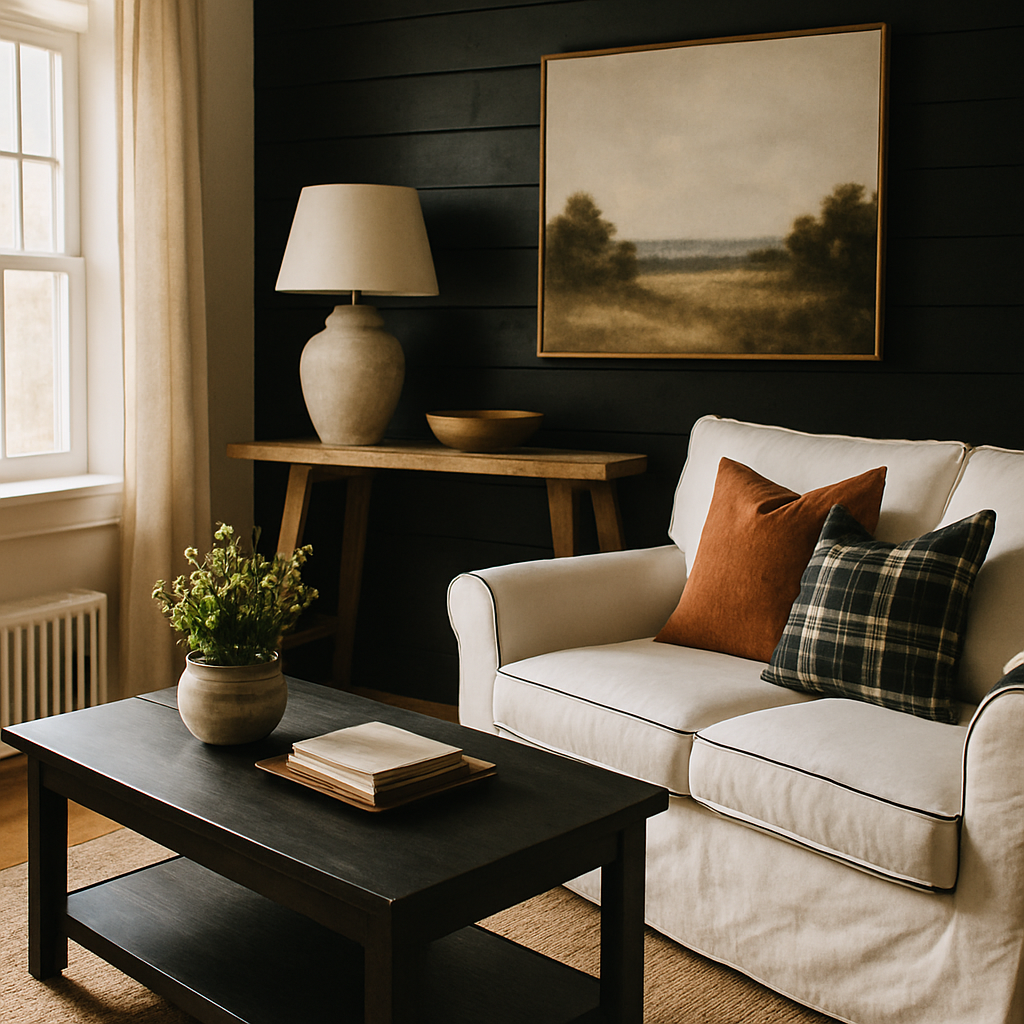
Imagine walking into a room and feeling an immediate sense of awe at its transformation. That's the power of a well-executed home makeover. However, achieving this effect requires the right tools and strategies. According to a Houzz survey, homeowners who employ advanced design tools report higher satisfaction with their renovation projects. Enter Planner 5D, a leading interior design platform that offers robust features for crafting stunning interiors. This article explores the top 10 Planner 5D features you need to elevate your home makeovers, offering insights from industry experts and real-world applications. From visualization tools to collaborative features, we'll guide you through the essentials that can turn your design dreams into reality.
Understanding the Basics of Planner 5D
Planner 5D is a user-friendly interior design software that allows even novices to create detailed home layouts. Its intuitive drag-and-drop interface makes it accessible for users of all skill levels. Unlike other complex design tools, Planner 5D doesn't require extensive training or experience. This lowers the entry barrier for those eager to embark on home makeover projects themselves. The platform provides a vast library of furniture and décor items, enabling users to experiment with different styles and layouts effortlessly.
One of the foundational features of Planner 5D is its ability to create both 2D and 3D floor plans. This dual capability is crucial for visualizing spatial arrangements and ensuring your design plans translate well into the real world. For instance, you can start by sketching a basic floor plan in 2D to organize your ideas and then switch to 3D to see how those ideas take shape in a more tangible form. Experienced professionals often note that this feature significantly aids in identifying design flaws early on.
Furthermore, Planner 5D supports multi-platform access, allowing you to work on your projects from your computer or mobile device. This flexibility ensures that you can tweak and adjust your designs whenever inspiration strikes, whether you're at home or on the go. As we delve into more advanced features, keep in mind how these foundational tools set the stage for impactful home transformations.
Advanced Visualization Features
Visualization is a critical component of successful interior design, and Planner 5D excels in this area with its advanced rendering capabilities. The platform utilizes high-definition visualization tools to create realistic renderings of your design projects. According to the International Interior Design Association (IIDA), realistic visualizations can improve client satisfaction by as much as 30%. By offering a photo-realistic view of your designs, Planner 5D helps you make informed decisions regarding color schemes, textures, and lighting.
One standout feature is the virtual reality (VR) integration, which allows users to immerse themselves in their designs. This is particularly beneficial for clients who may struggle to visualize a space from drawings alone. Imagine walking through your redesigned living area in VR to experience the ambiance and flow before any physical changes are made. This technology bridges the gap between concept and reality, enhancing your ability to refine your design choices.
Planner 5D also includes augmented reality (AR) features, which enable you to superimpose your designs onto your existing space. This means you can use your smartphone to see how a new sofa or dining table would look in your home, providing a tangible sense of scale and proportion. As we explore further, consider how these visualization tools empower you to make more confident design decisions.
Actionable Strategies with Planner 5D
Beyond visualization, Planner 5D offers actionable strategies to streamline your design process. One powerful feature is the project sharing and collaboration tool, which facilitates teamwork and feedback. Whether you're working with a professional designer or collaborating with family members, this feature ensures everyone stays aligned on project goals. You can share your designs with others to gather input and make adjustments in real time.
Another practical strategy involves the use of Planner 5D's cost estimation tools. Budgeting is a crucial aspect of any renovation project, and having a clear financial outline can prevent overspending. The platform allows you to input prices for materials and furnishings, providing a comprehensive cost breakdown. According to the American Society of Interior Designers (ASID), projects that adhere to a detailed budget are 25% more likely to finish on time and within financial parameters.
Planner 5D also offers a robust catalog of furniture and décor items, which you can customize to match your design aesthetics. This feature supports endless experimentation with color palettes and styles, helping you to refine your vision before making any purchases. As we move forward, we'll delve into expert-level details that further enhance your design capabilities.
Expert-Level Details for Sophisticated Designs
For those looking to achieve a professional-level finish, Planner 5D provides tools that cater to advanced design needs. The platform's precision measurement tools allow for exact placement of furniture and fixtures, ensuring that every element aligns perfectly. This attention to detail is what often separates amateur designs from those crafted by certified interior designers, such as those holding NCIDQ (National Council for Interior Design Qualification) credentials.
Additionally, Planner 5D offers access to a community of design enthusiasts and professionals. This network serves as a resource for inspiration and advice, akin to the community found on platforms like Houzz. Engaging with this community can provide new perspectives on your projects and introduce you to design trends you might not have considered. For instance, the growing trend of biophilic design, which incorporates natural elements into interiors, has been widely discussed in these forums.
The platform also supports the integration of smart home technology, allowing you to plan for automated lighting, climate control, and other smart features. As smart home integration becomes increasingly popular, these tools help ensure that your designs are both aesthetically pleasing and technologically advanced. As we continue, consider how these expert-level features can elevate your home makeover to new heights.
Additional Depth: Exploring Further Resources
Beyond the features of Planner 5D, it's essential to leverage additional resources to maximize your design potential. Engaging with platforms like Architectural Digest's AD PRO network can provide you with professional insights and industry trends. This network offers articles, webinars, and design courses tailored to those seeking deeper expertise in interior design.
You might also consider enrolling in workshops or certification programs offered by the International Interior Design Association (IIDA). These programs can enhance your understanding of design principles and improve your proficiency with tools like Planner 5D. Investing in your education not only boosts your design skills but also increases your confidence when tackling complex projects.
Moreover, exploring social media platforms like Instagram and Pinterest can offer a wealth of visual inspiration. Following designers and design firms can expose you to innovative ideas and trends, such as the Japandi style, which combines Japanese minimalism with Scandinavian warmth. As you gather inspiration, think about how these resources can inform and refine your approach to using Planner 5D.
Final Perspectives on Using Planner 5D
As you venture into your next home makeover project, consider how Planner 5D's features can streamline your process and enhance your results. The platform's comprehensive suite of tools-from visualization and collaboration to budget management-empowers you to take control of your design journey. By leveraging these features, you can achieve professional-quality results that reflect your personal style and meet your practical needs.
Reflect on how these tools align with your design goals. Are you looking to create a serene, biophilic living space, or perhaps a cutting-edge smart home? Whatever your vision, Planner 5D provides the flexibility and resources to bring it to life. As you plan your next steps, consider which features will be most beneficial in achieving your desired outcomes.
Conclusion
In conclusion, Planner 5D offers a robust set of features that can transform your home makeover projects from ordinary to extraordinary. By utilizing tools like advanced visualization, collaboration, and cost estimation, you can craft interiors that are both beautiful and functional. As you embark on your design journey, consider how these features align with your creative vision and practical needs.
Ready to take the next step? Start by exploring Planner 5D's extensive library and experimenting with different styles and layouts. Even 20 minutes of dedicated time each day can significantly enhance your design skills and confidence. Whether you're a seasoned professional or a passionate amateur, Planner 5D provides the tools you need to create spaces that truly inspire.


Comments
Post a Comment