The Ultimate Guide to Using SketchUp for Stunning Interior Designs
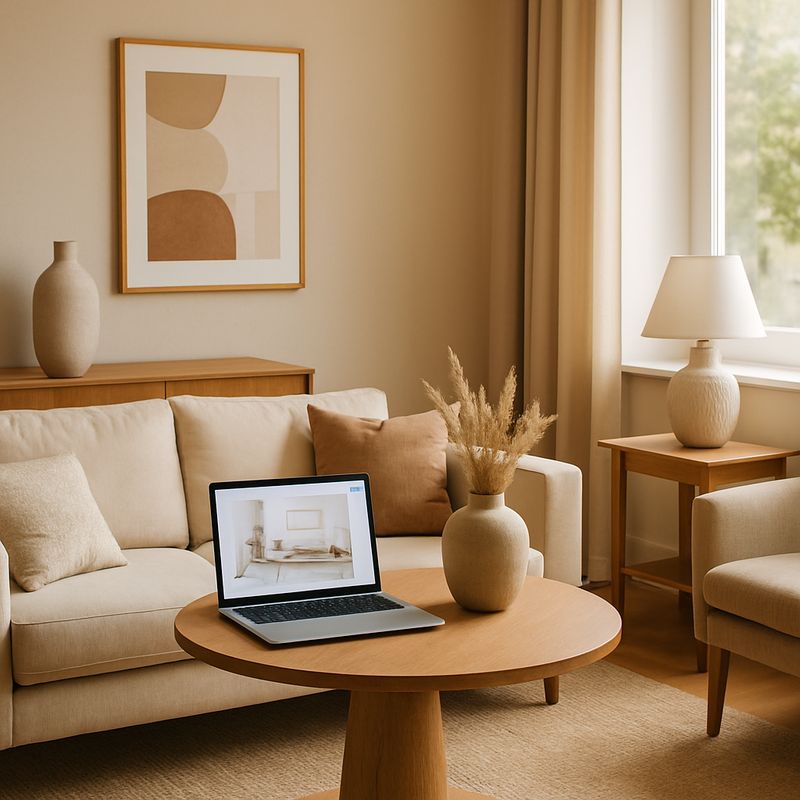
Ever wondered how professionals turn abstract ideas into breathtaking interior designs? According to a survey by Houzz, over 50% of homeowners feel overwhelmed by the design process, often unsure where to start. What if there was a tool that could bridge the gap between your imagination and reality? Enter SketchUp, a user-friendly 3D modeling software that has revolutionized the way designers and homeowners approach interior design. In this ultimate guide, we'll explore how SketchUp can be your go-to tool for creating stunning interior designs. We'll delve into foundational concepts, provide a deeper analysis with data, share actionable strategies, offer expert-level details, and wrap up with additional depth and final perspectives. By the end, you'll be ready to transform your space with confidence.
Understanding SketchUp: The Basics
Before diving into the specifics of using SketchUp for interior design, it's crucial to understand what makes this tool so valuable. SketchUp is a versatile 3D modeling software originally developed by @Last Software and later acquired by Google. It's renowned for its ease of use and intuitive interface, making it accessible for both beginners and seasoned professionals. The software allows users to create detailed and accurate models of interior spaces, providing a virtual canvas to experiment with different designs.
One of the standout features of SketchUp is its extensive library of pre-designed models and components, accessible through the 3D Warehouse. This repository includes everything from furniture and fixtures to textures and materials, enabling users to populate their designs without starting from scratch. Such resources make SketchUp an indispensable tool for interior designers who need to visualize and iterate designs quickly.
Moreover, SketchUp's compatibility with various plugins and extensions enhances its functionality. For instance, designers can use rendering plugins like V-Ray for SketchUp to create photorealistic images of their models. These features not only streamline the design process but also provide clients with a clear and compelling visualization of their future spaces. As we move forward, let's explore the deeper aspects of using SketchUp in interior design.
SketchUp in Interior Design: A Deeper Dive
SketchUp's impact on interior design is profound, not only because of its accessibility but also due to the insights it offers into design concepts. According to the American Society of Interior Designers (ASID), one of the key trends in 2026 involves the integration of technology in design processes. SketchUp fits perfectly within this trend, enabling designers to leverage digital tools to enhance creativity and efficiency.
Data from industry experts suggest that using 3D modeling tools like SketchUp can reduce the time spent on design revisions by up to 30%. This efficiency is crucial, especially in a field where time equals money. For interior designers, being able to present a well-visualized plan can significantly shorten the feedback loop with clients, leading to faster project completion.
Moreover, SketchUp's ability to simulate real-world lighting conditions and material textures allows designers to experiment with different styles and atmospheres. This feature is particularly useful when considering current design trends like biophilic design, which emphasizes natural materials and light. By visualizing how natural light interacts with a space, designers can make informed decisions about window placements and material choices, enhancing the overall aesthetic and functionality of the space.
Actionable Strategies for Using SketchUp
Now that we understand the importance of SketchUp in interior design, let's explore some actionable strategies for making the most of this tool. For beginners, it's essential to start with a clear plan. Define the scope of your project and gather all necessary measurements and references. SketchUp is most effective when used with precise data, enabling you to create accurate models that truly reflect your vision.
Next, take advantage of SketchUp's layering feature. By organizing different elements of your design into layers, you can easily toggle visibility, allowing you to focus on specific aspects of your interior without distractions. This strategy is particularly useful for complex projects involving multiple rooms or intricate design elements.
Finally, make use of SketchUp's integration with virtual reality (VR) tools. Many designers are now using VR to offer clients an immersive experience of their designs. Imagine walking through your future living room or kitchen before a single piece of furniture is purchased. This technology not only enhances client satisfaction but also reduces the risk of costly design mistakes. As we transition to more expert-level details, consider how these strategies could transform your design process.
Advanced Techniques and Expert Insights
For those looking to take their SketchUp skills to the next level, mastering advanced techniques can significantly enhance your design capabilities. Experienced professionals often note that mastering the use of plugins is key to unlocking SketchUp's full potential. Plugins such as Profile Builder and Artisan offer advanced modeling tools that allow for more detailed and intricate designs.
Moreover, SketchUp's integration with Building Information Modeling (BIM) tools provides a deeper level of detail and accuracy. BIM integration enables designers to create models that include detailed information about materials, costs, and construction processes. This level of detail is invaluable for large-scale projects and can significantly improve coordination with architects and contractors.
An often overlooked feature of SketchUp is its ability to create custom components. By developing a library of bespoke components, designers can ensure consistency across different projects. This approach not only saves time but also allows designers to develop a unique style that can become a signature across their work. As we delve into additional depth, consider how these advanced techniques can set your work apart in a competitive industry.
Broader Applications and Considerations
While SketchUp is a powerful tool for interior design, its applications extend beyond just creating models. It's also a platform for collaboration and communication. Many design firms use SketchUp to facilitate communication among team members and with clients. By sharing interactive models, stakeholders can provide feedback in real-time, leading to more cohesive and satisfactory outcomes.
It's also important to consider the cost implications of using SketchUp. The software offers a range of pricing options, from a free version with limited features to the professional version, SketchUp Pro, which costs around $299 per year. For those serious about interior design, the investment in SketchUp Pro is often justified by the enhanced features and capabilities it offers.
In addition, SketchUp's community of users is a valuable resource. Platforms like the SketchUp Community Forum and social media groups provide designers with a space to share tips, troubleshoot issues, and inspire one another. Whether you're a novice or a seasoned professional, engaging with this community can provide valuable insights and support. As we wrap up, let's consider the final perspectives on using SketchUp in interior design.
Final Perspectives on Using SketchUp
As we conclude this comprehensive guide, it's clear that SketchUp is more than just a 3D modeling tool; it's a gateway to creativity and innovation in interior design. By integrating SketchUp into your design process, you can enhance both the quality of your work and the satisfaction of your clients. The ability to visualize, iterate, and communicate designs effectively is invaluable in a field that thrives on precision and creativity.
For interior designers, keeping up with industry trends and technological advancements is crucial. SketchUp offers the flexibility to adapt to these changes and stay competitive. Whether you're designing a cozy Japandi-inspired living room or a cutting-edge smart home, SketchUp provides the tools you need to bring your vision to life.
Conclusion
In summary, SketchUp stands out as an essential tool for anyone serious about interior design. Its user-friendly interface, extensive feature set, and ability to integrate with other technologies make it a formidable ally in the design process. Now is the time to harness the power of SketchUp to transform your design approach. Start by exploring SketchUp's free tutorials and community resources to build your skills. This week, spend some time experimenting with a small project-perhaps a single room redesign-and see what you can create with the tools at your disposal. Your journey to stunning interior designs begins now.

Comments
Post a Comment