The Ultimate Guide to Free Interior Design Apps for Beginners
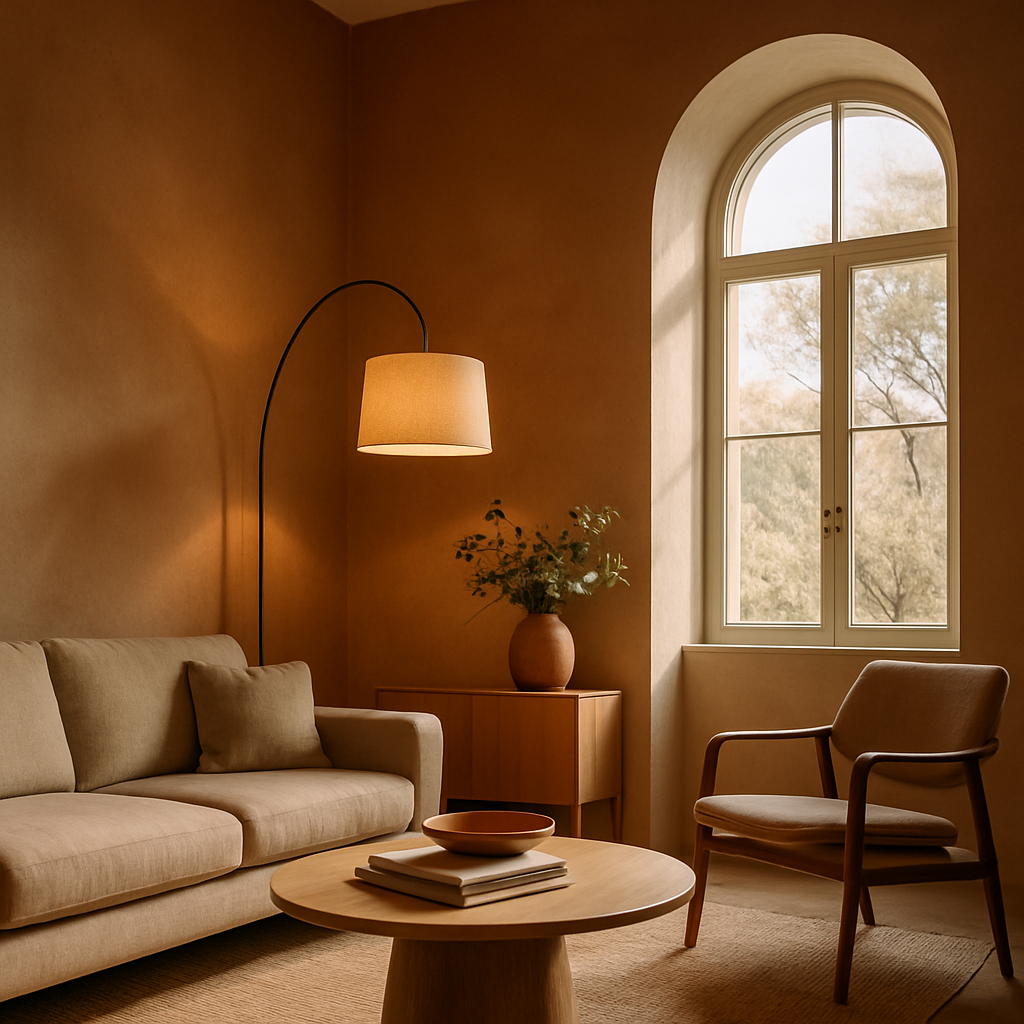
Have you ever walked into a room and felt that something was missing, but you couldn't quite put your finger on it? Maybe the layout didn't flow, or the colors clashed just enough to make the space feel off. Fortunately, the world of interior design is more accessible than ever, thanks to a range of free apps designed for enthusiasts and beginners alike. This guide will introduce you to some of the best free interior design apps available, breaking down their features and how you can leverage them to create stunning spaces in your home. We'll explore foundational concepts, provide deeper analysis with data, and offer actionable strategies and expert insights to help you confidently embark on your design journey.
Understanding the Basics of Free Interior Design Apps
Before diving into the specifics, it's essential to understand what free interior design apps can offer. These applications are designed to help you visualize and plan your interior spaces without the need for professional intervention initially. Apps like SketchUp Free and Roomstyler 3D Home Planner allow users to create digital models of their living spaces, experiment with different layouts, and visualize potential changes in real-time. This capability is particularly beneficial for those who may be reluctant to commit to a specific design without seeing it first.
Free design apps often come with a variety of templates and drag-and-drop interfaces, making them user-friendly for beginners. For instance, with Roomstyler 3D Home Planner, you can easily insert furniture pieces, change wall colors, and even adjust lighting to see how different elements interact within a space. This hands-on approach not only helps in understanding spatial dynamics but also in recognizing what works and what doesn't before making physical changes.
Another core advantage of these apps is the ability to experiment with color palettes and textures. Apps like ColorSnap by Sherwin-Williams offer a digital palette that can help you visualize how different colors will look in your space, adjusting for lighting variations and existing decor. Such features are invaluable for beginners who may struggle with color theory and its application in real-world settings. Understanding these basics can set a strong foundation as you move forward in your design project.
Analyzing Design Apps with Real Data
When selecting the right app, it's crucial to consider user feedback and ratings, which provide insights into the app's effectiveness and usability. According to a survey conducted by Houzz, over 50% of homeowners use design apps to plan their renovations, with a significant number reporting higher satisfaction due to better pre-planning. This statistic underscores the importance of these tools in achieving successful design outcomes.
Let's look at specific data from the app market. SketchUp Free, for example, has been downloaded over 10 million times, with a user satisfaction rate of 4.5 stars out of 5 on major app stores. This high rating reflects its ease of use and powerful modeling capabilities, making it a popular choice among both beginners and more experienced users. Similarly, the app HomeByMe has gained popularity for its realistic 3D rendering capabilities, which allow users to create detailed representations of their spaces.
Moreover, the American Society of Interior Designers (ASID) emphasizes the importance of planning and visualization in successful design projects. Experienced professionals often note that the ability to see a space in 3D before making changes leads to better decision-making and fewer costly mistakes. This insight is supported by the feedback from app users who report fewer regrets and higher satisfaction with their final designs. The data clearly shows that these apps can play a pivotal role in improving your design process.
Strategies for Maximizing App Features
Once you've chosen an app, how do you make the most of its features? Start by familiarizing yourself with all the tools and functions available. Many apps, such as Planner 5D, offer tutorials and user guides to help you get started. Take the time to explore these resources thoroughly. You'll find that understanding how to manipulate the virtual space will pay dividends when you start creating your designs.
Next, consider using the app's community features. Platforms like Houzz not only allow you to design but also to share your projects with a community of fellow enthusiasts and professionals. Engaging with this community can provide feedback and inspiration, which is invaluable during the planning stage. Have you ever considered collaborating with others to refine your ideas? This peer interaction can enhance your designs in ways you might not have imagined alone.
Additionally, take advantage of augmented reality (AR) features that some apps offer. For example, IKEA Place uses AR to let you see how furniture will look in your own space before you buy it. This feature can prevent costly purchasing mistakes and ensure that the items you choose fit both your style and your space. By utilizing these strategies, you can fully exploit the potential of free design apps to transform your living areas.
Expert Insights into App Utilization
Industry professionals often have a wealth of knowledge about leveraging technology in design. One common piece of advice is to use these apps as a supplement rather than a replacement for professional input. While apps are excellent for initial planning and visualization, certified interior designers, particularly those with NCIDQ (National Council for Interior Design Qualification) credentials, can offer insights that apps cannot, such as structural considerations and advanced aesthetic guidance.
Furthermore, experienced designers emphasize the importance of integrating app use with real-world material samples. For instance, while an app might suggest a particular shade or texture, physically interacting with samples from stores like Home Depot or Lowe's can confirm your choices. Have you ever found that a color looked different in person than on screen? This is a common issue that can be mitigated by using both digital and physical resources.
Moreover, designers suggest using apps to experiment with trends like Japandi or biophilic design, which have gained popularity in recent years. These styles incorporate natural materials and minimalist aesthetics, which can be challenging to visualize without digital tools. By experimenting with these styles in an app, you can decide what elements you might want to incorporate into your own space before committing to any purchases.
Additional Considerations for Beginners
When working with design apps, beginners should be mindful of several factors to ensure a successful outcome. One consideration is budget constraints. While the apps themselves may be free, the real-world implementation of your designs will incur costs. It's important to use the app to establish a clear budget, taking into account potential expenses for furniture, decor, and other materials.
Another consideration is the learning curve associated with some of these apps. While user-friendly, platforms like AutoCAD can still be complex for complete novices. Starting with more straightforward apps like MagicPlan, which helps with room measurements and layout, can build your confidence before moving on to more advanced tools. Have you set realistic expectations for your learning progress? Remember, practice and patience are key as you hone your design skills.
Lastly, keep an eye on app updates and new features. The tech landscape is constantly evolving, and staying informed about new tools can enhance your design capabilities. Subscribing to newsletters or following developers on social media can be a simple way to stay updated. By considering these additional factors, you can navigate the world of free design apps with greater clarity and purpose.
Final Thoughts on Free Interior Design Apps
As technology continues to advance, the tools available for design enthusiasts become more powerful and accessible. Free interior design apps offer an invaluable starting point for beginners looking to explore their creativity and improve their living spaces. These apps empower you to experiment with layouts, colors, and styles, all while providing a visual reference that can guide your decision-making process.
However, it's important to remember that while digital tools are incredibly useful, they should be part of a broader approach that includes professional advice and hands-on experimentation. Are you ready to take the next step in your design journey? By combining app use with real-world practice and professional insights, you can transform your ideas into tangible results.
Conclusion: Your Design Journey Begins
In conclusion, free interior design apps are a fantastic resource for beginners eager to explore the world of design. From simple room planners to advanced 3D modeling tools, these apps offer a range of functionalities to suit different needs and skill levels. As you embark on your design projects, remember that these tools are just one part of the process. Start by downloading a couple of the apps mentioned in this guide and spend some time exploring their features.
As you gain confidence, consider joining online design communities to share your progress and gather feedback. Your journey doesn't end with the app; it's a continuous process of learning and experimenting. Ready to see what you can create? Start by browsing designer portfolios on Houzz this week - even 20 minutes of research will sharpen your eye for what you want.


Comments
Post a Comment