SketchUp for Beginners: How to Elevate Your Interior Design Projects
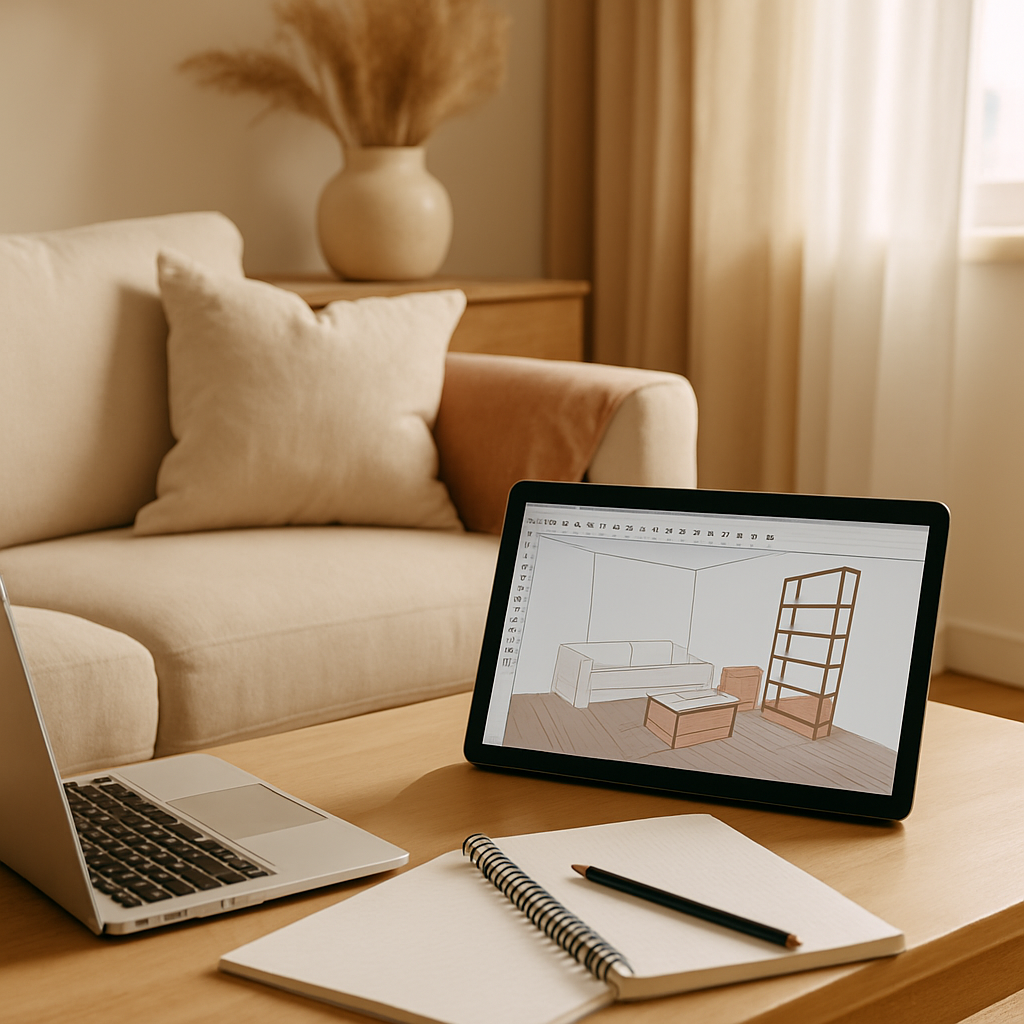
Have you ever found yourself overwhelmed by the complexity of interior design tools, wishing for something both powerful and user-friendly? SketchUp might just be the solution you're looking for. Known for its intuitive interface and robust functionality, SketchUp is a favorite among both amateur and professional interior designers. In this article, we'll explore how you can leverage SketchUp to transform your interior design projects, covering foundational concepts, deeper analytical insights, practical strategies, and expert-level tips. Whether you're redesigning a single room or planning an entire home makeover, understanding SketchUp's capabilities can significantly enhance your design process.
Understanding the Basics of SketchUp
SketchUp is a 3D modeling program that allows you to create detailed models of interior spaces. Its straightforward drag-and-drop interface is ideal for beginners who are just dipping their toes into the world of interior design. You don't need a background in architecture to start using SketchUp, making it accessible to anyone with a creative vision. The program offers a free version known as SketchUp Free, as well as a more advanced paid version, SketchUp Pro.
One of the primary advantages of SketchUp is its ability to visualize spaces in three dimensions. This feature is particularly useful in interior design, where understanding spatial relationships is key. For instance, you can model a room to scale, experiment with furniture layouts, and even simulate lighting conditions. This level of detail helps in making informed design decisions, reducing costly errors down the line.
SketchUp also integrates with a variety of plugins and extensions that expand its functionality. For example, the V-Ray plugin allows you to render photo-realistic images of your designs, providing clients or stakeholders with a clear vision of the proposed space. By mastering these foundational tools, you can effectively streamline your design workflow.
As you become familiar with SketchUp, you'll find that its basic features serve as building blocks for more complex projects. This transition leads us naturally into a deeper analysis of how SketchUp's capabilities can be maximized.
Diving Deeper: Analyzing SketchUp's Impact
According to a survey conducted by the American Society of Interior Designers (ASID), over 60% of interior designers reported increased client satisfaction when using 3D visualization tools like SketchUp. But what makes SketchUp stand out among its competitors? One significant factor is its ability to facilitate clear communication between designers and clients. By visualizing the design in a realistic manner, clients can provide feedback early in the process, minimizing revisions and enhancing satisfaction.
SketchUp's impact isn't limited to client interactions. It also plays a crucial role in the collaborative aspect of interior design. For instance, when working with architects or builders, the detailed models created in SketchUp ensure that everyone involved in a project is on the same page. This alignment can significantly reduce the likelihood of miscommunication, which is a common source of delays and budget overruns in design projects.
The program's open-source nature means that it constantly evolves, incorporating user feedback and new technological advancements. This adaptability is particularly important in an industry where trends and technologies are always changing. By staying current with these updates, SketchUp users can maintain a competitive edge in the field of interior design.
With a solid understanding of SketchUp's foundational and advanced features, the next step is to apply these insights to your projects through actionable strategies.
Implementing Practical Strategies with SketchUp
Experienced interior designers often note that one of the most effective ways to enhance your design process with SketchUp is to develop a methodical approach to project management. Start by clearly defining the scope of your project and establishing a timeline. Use SketchUp's modeling capabilities to create an initial concept model, which serves as a blueprint for your design journey.
Next, leverage SketchUp's vast library of pre-designed 3D models to expedite your workflow. Whether you need a specific piece of furniture or an architectural element, chances are you'll find it in the SketchUp Warehouse. This resource not only saves time but also inspires creativity by exposing you to a wide variety of design elements.
Don't underestimate the power of collaboration in SketchUp. The platform allows multiple users to work on a single model simultaneously, making it easier to incorporate feedback and make real-time adjustments. By inviting clients or team members to view or contribute to the model, you create a participatory design process that can yield more satisfying results.
As you implement these strategies, you might wonder, "How can I further refine my skills with SketchUp?" This question leads us to delve into expert-level details that can elevate your design expertise.
Mastering SketchUp: Expert-Level Insights
For those looking to master SketchUp, understanding its advanced features is crucial. For example, the use of layers and scenes can greatly enhance your ability to organize complex models. Layers allow you to separate different elements of a design, making it easier to focus on specific areas without distraction. Scenes, on the other hand, let you create and manage multiple views of your project, which is particularly useful for presentations.
Another expert tip involves the use of SketchUp's Ruby scripting language, which enables the creation of custom tools and extensions. By writing simple scripts, you can automate repetitive tasks, tailor the software to your specific needs, and even contribute to the global SketchUp community by sharing your creations.
Furthermore, integrating SketchUp with other design software can enhance your workflow. For instance, importing SketchUp models into Adobe Photoshop for detailed texture work can add an extra layer of polish to your designs. This interoperability underscores SketchUp's versatility and its potential to be a central hub in your design toolkit.
By mastering these advanced techniques, you not only improve your efficiency but also expand the creative possibilities of your projects. This mastery leads us to explore how SketchUp can be leveraged further in the evolving field of interior design.
SketchUp in the Context of 2026 Design Trends
As we look towards the future, certain design trends are set to dominate the industry, and SketchUp is well-positioned to support these evolutions. One such trend is biophilic design, which emphasizes natural materials and indoor-outdoor flow. SketchUp allows designers to experiment with these elements, simulating how light and materials interact in a space.
The rise of smart home integration is another area where SketchUp excels. Designers can use the platform to visualize and plan the placement of smart devices, ensuring functionality and aesthetic appeal. This planning is essential as more homeowners seek seamless technology integration in their living spaces.
Sustainability continues to be a driving force in design, with a growing emphasis on reclaimed materials. SketchUp's ability to accurately model and test these materials can aid in achieving both aesthetic and environmental goals. By aligning with these trends, SketchUp users can meet the demands of contemporary design while preparing for future shifts.
With these trends in mind, how can you practically apply SketchUp to benefit from these insights? This consideration sets the stage for our final perspectives on using SketchUp effectively.
Final Perspectives on Using SketchUp
As you embark on your interior design projects, consider how SketchUp's capabilities align with your creative vision and practical needs. Are you looking to enhance communication with clients? Or perhaps streamline collaboration with your team? Identifying your primary objectives will guide your use of the platform and maximize its benefits.
SketchUp's community is another invaluable resource. Engage with forums and groups to share insights, seek advice, and discover new techniques. Platforms like the SketchUp Community and resources from the NCIDQ can provide ongoing support and inspiration.
Ultimately, SketchUp offers a versatile and accessible way to elevate your interior design projects. By continuing to explore its features and integrate industry trends, you can remain at the forefront of design innovation.
Conclusion: Elevate Your Interior Design Game
SketchUp is more than just a tool; it's a gateway to realizing your interior design ambitions. By mastering its features, you can create stunning visualizations that not only impress clients but also streamline your design process. As you explore SketchUp, remember to continuously challenge yourself and stay informed about emerging trends and technologies.
Ready to take your skills to the next level? Start by exploring SketchUp's vast library of resources and tutorials. A mere 20 minutes a day spent experimenting with new features or engaging with the SketchUp community can significantly sharpen your design skills. Are you prepared to transform your interior design projects? Begin your journey today and watch your creativity flourish.



Comments
Post a Comment