How to Choose the Best Interior Design App for Your Style and Needs
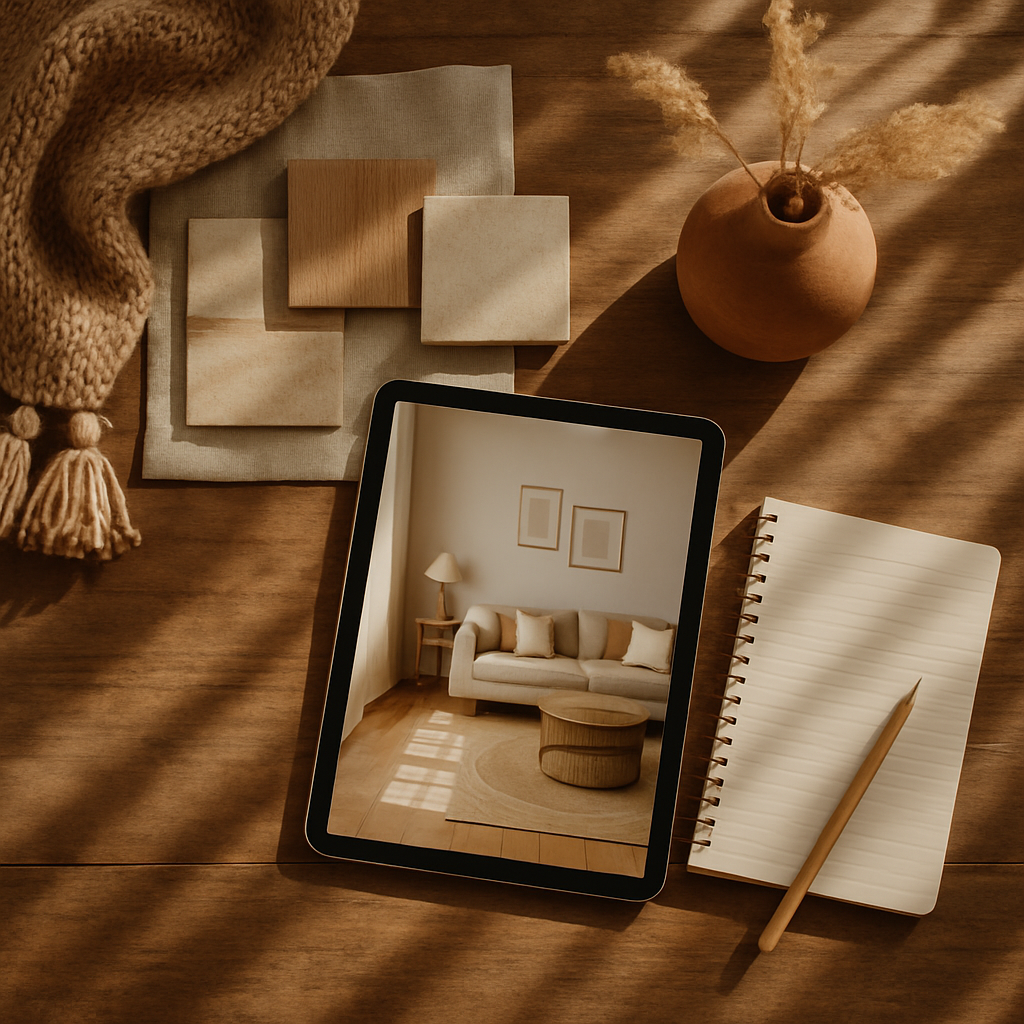
Have you ever found yourself overwhelmed by the myriad of interior design choices, unsure which app can truly help bring your vision to life? With the rise of technology, there are now countless tools at your disposal, making it easier than ever to visualize your dream space. In fact, industry surveys suggest that over 60% of homeowners use digital tools during their renovation process. But how do you sift through the options to find the best interior design app tailored to your personal style and needs? In this article, we will explore foundational concepts, delve into deeper analyses, and provide actionable strategies for selecting the ideal app. We'll also offer expert-level insights and additional depth to ensure you make an informed choice. Let's start by understanding the basics of what these apps offer.
Understanding Interior Design Apps: Foundational Concepts
Interior design apps have revolutionized the way we approach home renovation and decoration. At their core, these apps serve as digital platforms where users can visualize changes, experiment with color schemes, and even plan furniture layouts. The primary purpose of these tools is to simplify the design process, making it accessible to both seasoned professionals and enthusiastic DIYers. But what sets one app apart from another? Understanding the core functionalities is crucial.
Most apps offer basic features like 3D modeling, virtual room tours, and the ability to try out different design elements in real-time. For instance, platforms like Houzz provide extensive libraries of decor items and furniture, enabling users to see how pieces fit into their space before making a purchase. Meanwhile, apps like MagicPlan allow users to create floor plans by simply taking photos of their room, providing a foundational blueprint for any design project.
However, not all apps are created equal. Some focus on specific aspects such as color selection or furniture arrangement, while others might offer comprehensive design solutions. This foundational understanding of what different interior design apps offer will help you identify which features are most important for your needs. As we move forward, we'll look at these differences in more detail, helping you to make an informed decision.
Analyzing Features and Data: What to Look For
When choosing an interior design app, it's important to consider the features that align with your specific goals. According to a survey by the American Society of Interior Designers (ASID), 75% of users prioritize apps with strong visualization tools. This includes 3D rendering capabilities and augmented reality (AR) features that allow you to see how designs will look in your actual space. Apps like Planner 5D excel in this area, offering detailed 3D models that bring your design ideas to life.
Another key consideration is the app's database of design elements. Some apps offer access to extensive catalogs of furniture and decor from top brands, while others rely on user-generated content. For example, Home Design 3D provides both a vast library and the ability to import custom textures, giving users unparalleled flexibility. Experienced professionals often note that an app's versatility in offering diverse design elements can significantly enhance the creative process.
Additionally, consider the app's integration with other tools and platforms. Many top-tier apps, such as SketchUp, offer export capabilities that allow you to share designs with architects or contractors seamlessly. Whether you're embarking on a full-home renovation or simply redecorating a room, understanding these features and data points will guide you in selecting the most suitable app. Next, we'll explore strategies to effectively utilize these tools for your projects.
Actionable Strategies for Using Interior Design Apps
Having identified the key features to look for, the next step is to deploy these apps effectively in your design process. Start by defining the scope of your project. Are you redesigning a single room or tackling an entire home makeover? This will influence the type of app you choose. For instance, a detailed app like Roomstyler 3D Home Planner is ideal for complex projects, offering room-by-room customization and detailed design options.
Once you've chosen your app, familiarize yourself with its functionalities. Take advantage of tutorials and user forums; platforms like Pinterest can provide inspiration and tips from other users. Begin by creating a mood board within the app, compiling colors, textures, and styles that resonate with your vision. This visual reference will serve as a guide throughout your design journey.
As you move forward, don't hesitate to experiment with different styles and layouts. Use the app's AR features to virtually test various elements in your space. Does that minimalist couch fit with your existing decor? Would a biophilic design approach with natural materials enhance your living room's ambiance? By asking yourself these questions and iterating on your designs, you can refine your ideas and achieve a cohesive look that reflects your personal style. With these strategies in mind, we'll now delve deeper into expert-level insights.
Expert Insights: Making the Most of Your Design App
Experienced interior designers often emphasize the importance of leveraging the full potential of design apps. One common piece of advice is to utilize the app's community features. Many apps, such as Houzz, offer forums and galleries where users can share their projects and receive feedback. Engaging with this community can provide fresh perspectives and innovative solutions to design challenges.
Another expert tip is to pay attention to the app's updates and new feature releases. The world of interior design is constantly evolving, with trends like Japandi and smart home integration becoming increasingly popular. Apps that regularly update their offerings with the latest design elements and technology can keep your projects current and on-trend. For instance, apps incorporating AR and VR tools allow you to visualize smart home features like automated lighting and climate control.
Finally, consider the app's cost structure. While some apps are free, others may require a subscription or one-time purchase fee. Weighing the cost against the app's features and the value it provides for your projects is crucial. For major renovations with budgets in the $50,000-$150,000 range, investing in a premium app could be a worthwhile decision. Now, let's explore additional details that can enrich your design app experience.
Additional Details: Enhancing Your Design App Experience
Beyond the core functionalities, certain features can significantly enhance your experience with an interior design app. Look for apps that offer personalized recommendations based on your preferences. These AI-driven suggestions can introduce you to styles and products you might not have considered, broadening your design horizons. Apps like DecorMatters excel in this area, using AI to tailor design ideas to individual tastes.
Moreover, consider the app's ability to export designs in various formats. This is particularly useful if you're collaborating with professionals such as interior designers or contractors. Formats like CAD files or PDF exports ensure that your designs can be easily shared and understood by all parties involved, facilitating smooth project execution.
Lastly, don't overlook the importance of user interface and customer support. A user-friendly design app with comprehensive support can make a significant difference in your overall experience. Look for apps with intuitive navigation and robust support channels, such as live chat or email assistance, which can help resolve any issues promptly. As we wrap up, we'll discuss the final perspectives on choosing the best interior design app.
Final Perspectives: Bringing It All Together
Choosing the best interior design app for your style and needs involves a careful balance of features, usability, and cost. By understanding the foundational concepts, analyzing key features, and utilizing expert strategies, you can select an app that truly complements your design aspirations. Remember to consider how the app integrates with your existing tools and whether it supports the latest design trends.
As you explore your options, ask yourself: Does this app provide the flexibility and tools I need to bring my vision to life? Is it supported by a community that can offer valuable insights? By keeping these questions in mind and leveraging the advice provided, you'll be well-equipped to navigate the digital design landscape with confidence. In the conclusion, we'll summarize the key points and suggest a specific action to help you get started.
Conclusion: Taking the Next Steps in Your Design Journey
In summary, selecting the best interior design app requires a thorough understanding of your project's scope, the app's features, and your personal style. By considering foundational concepts, analyzing data, applying actionable strategies, and leveraging expert insights, you can make an informed choice that enhances your design experience. Remember, the right app can transform your ideas into reality, making the design process both enjoyable and effective.
As a concrete next step, start by browsing designer portfolios on Houzz or Pinterest this week. Even dedicating just 20 minutes to research can sharpen your eye for what you truly want in your space. Whether you're planning a small update or a major renovation, the journey to your ideal home design begins with the right tools. Ready to take the plunge?



Comments
Post a Comment