How to Choose the Best Interior Design App for Your Style
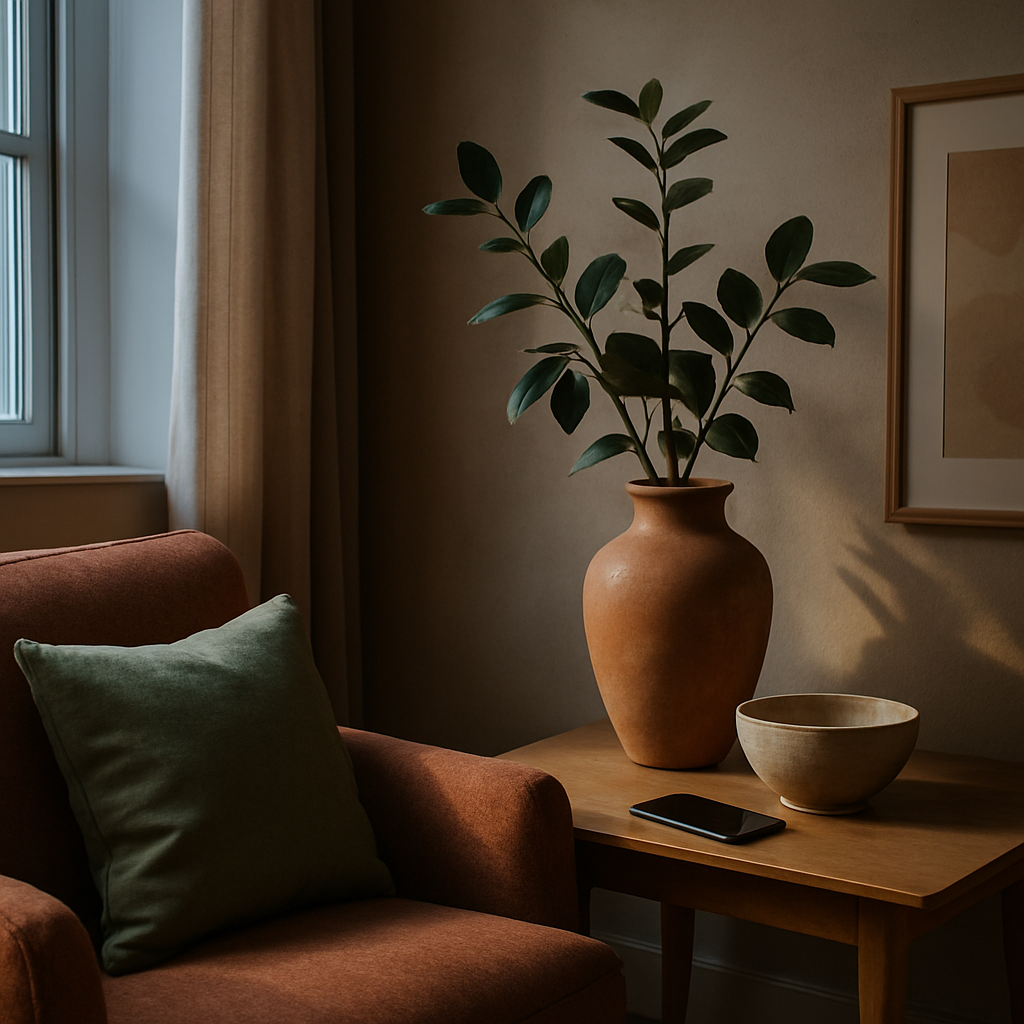
In an era where your living space can directly reflect your personality and taste, the tools you use for design matter more than ever. Imagine transforming your home with just a few swipes on your smartphone. This is not a distant dream-it's a reality, thanks to interior design apps. According to a recent Houzz survey, nearly 40% of homeowners are now using apps to aid in their design projects. But with hundreds of options available, how do you choose the best interior design app for your style? This article will guide you through foundational concepts, provide data-backed insights, offer actionable strategies, and delve into expert-level details to help you make an informed choice. By the end, you'll be ready to start your design journey with confidence.
Understanding the Core Features of Interior Design Apps
To select the best interior design app, it's crucial to first understand the core features these apps offer. At their most basic, interior design apps provide tools for visualizing room layouts and experimenting with different design elements. Most apps, like Home Design 3D and Planner 5D, include drag-and-drop interfaces and 3D visualization capabilities that allow users to see their designs come to life in a virtual space.
Beyond visualization, many apps offer features such as augmented reality (AR) that overlay virtual furniture onto your real-world space using your phone's camera. This feature is particularly useful for those who struggle to visualize how a piece of furniture or a color will look in their home. Additionally, apps like IKEA Place utilize AR technology to help users place furniture in their space virtually before making a purchase.
Another key feature is the ability to share designs with others for feedback. This is essential for those working with a professional designer or simply seeking a second opinion from friends or family. Apps like Houzz allow users to create and share mood boards, which can include furniture pieces, color schemes, and more. Understanding these core features will help you identify what is most useful for your specific needs.
The basic functionalities of design apps set the stage for exploring more advanced tools, which we will cover in the following section.
Analyzing User Reviews and Ratings
When choosing an interior design app, user reviews and ratings provide invaluable insights into an app's usability and effectiveness. According to research by BrightLocal, 87% of consumers read online reviews for local businesses, and apps are no exception. These reviews often highlight the user experience, reliability, and any technical issues users have encountered.
For example, apps with high ratings, such as MagicPlan or Roomstyler 3D Home Planner, are frequently praised for their user-friendly interfaces and comprehensive toolsets. On platforms like Google Play and the App Store, these apps consistently receive feedback for their intuitive design and rich feature sets. Conversely, apps with lower ratings might suffer from bugs or lack certain features that users find essential.
It's also important to consider the number of reviews an app has received. An app with a high rating but only a handful of reviews may not provide a comprehensive picture of its performance. Look for apps with a significant number of reviews to ensure that the feedback is reliable and representative of a broad user base. With this understanding of user feedback, you'll be better equipped to choose an app that meets your expectations.
Armed with user feedback, the next step involves evaluating an app's suitability for your personal design style, which we will explore next.
Aligning App Features with Your Personal Style
Identifying an interior design app that aligns with your personal style is paramount to creating a space that feels uniquely yours. Start by exploring the app's design templates and color palettes. Apps like Houzz and Pinterest are known for their extensive libraries of design inspiration, offering a range of styles from modern minimalist to rustic farmhouse.
Consider whether the app allows for customization to suit your preferences. Some apps provide pre-designed templates that can be adjusted to match your style, while others offer complete flexibility to create designs from scratch. For example, an app with a focus on biophilic design might offer templates that incorporate natural materials and indoor plants, aligning well with this 2026 trend.
Furthermore, take advantage of apps that offer style quizzes or personalized recommendations. These features can guide you toward design elements that resonate with your tastes. Asking yourself questions like, "Does this app offer features that reflect my style preferences?" can help narrow down your options. With a clear understanding of your style, you'll be able to select an app that not only meets functional needs but also aesthetically aligns with your vision.
Having aligned the app features with your style, we now move on to understanding the cost implications of these apps.
Evaluating the Cost and Value Proposition
Cost is a significant factor when choosing an interior design app, as it must fit within your budget while offering value for money. Most apps operate on a freemium model, with basic features available for free and premium features accessible through a subscription. For instance, apps like SketchUp offer free versions with limited capabilities and paid versions with advanced tools.
Subscription costs can range from $10 to $30 per month, depending on the app's complexity and feature set. When evaluating cost, consider how often you plan to use the app and whether the premium features are necessary for your project. If you're working on a one-time room redesign, a free app might suffice. However, for ongoing design projects, a paid app with advanced features could be a worthwhile investment.
It's also beneficial to compare the app's cost against traditional design services. Hiring a professional designer can cost between $150 to $500 per hour, or 10-25% of the total project cost, meaning apps offer a more budget-friendly alternative for some. Experienced professionals often note that while apps can't fully replace the expertise of a certified interior designer, they provide a valuable tool for those looking to explore design independently.
With cost considerations in mind, the next logical step is to explore the technological advancements that these apps bring to the table.
Leveraging Technological Advancements
The rapid evolution of technology continues to revolutionize the interior design industry. Modern apps now integrate cutting-edge technologies like augmented reality (AR) and virtual reality (VR), enhancing the user experience. AR allows you to visualize furniture and decor in real-time, while VR offers immersive walkthroughs of your designs. These advancements are particularly useful for ensuring that the chosen design elements fit seamlessly into your space.
Another noteworthy advancement is the use of AI-driven design recommendations. Apps like DecorMatters leverage AI to analyze user preferences and suggest design elements that harmonize with their style. This feature can be invaluable for users who are unsure where to start or need inspiration tailored to their tastes.
Furthermore, sustainability features are becoming increasingly important. Some apps now offer insights into sustainable materials and eco-friendly design practices, aligning with the growing trend of sustainable living. Users seeking to make environmentally conscious choices can benefit from features that highlight the ecological impact of their design decisions.
Having explored technological advancements, we conclude by considering final perspectives on choosing the right app.
Final Perspectives on Choosing the Right App
Choosing the best interior design app involves balancing features, cost, and technology with your personal style. It's a process that requires careful consideration and research. Remember to leverage free trials when available, as they offer a risk-free way to assess an app's capabilities. Is the app user-friendly and does it inspire creativity? These are questions worth asking during your trial period.
Additionally, stay informed about updates and new features. The landscape of interior design apps is continuously evolving, with developers regularly adding enhancements that could benefit your design process. Subscribing to newsletters or following developer blogs can keep you updated on the latest advancements.
Ultimately, the right app should serve as a tool that empowers you to bring your design ideas to life with ease and confidence. With a strategic approach, you can transform your living space into an extension of your personal style, guided by the digital resources at your fingertips.
Conclusion
In summary, choosing the best interior design app for your style involves understanding core features, analyzing reviews, aligning with personal style, evaluating costs, and leveraging technology. Each step provides valuable insights that help narrow down your options to the apps that truly meet your needs. As you embark on this digital design journey, make the most of the tools available to you and explore the creative possibilities they offer.
Ready to find the perfect app? Start by browsing the top-rated options on platforms like Houzz and Pinterest this week-just 20 minutes of exploration can set the stage for your next design project. With the right tools, you can transform your space into a reflection of your unique style and taste.



Comments
Post a Comment