Create Stunning Spaces: A Guide to Free Interior Design Software Options
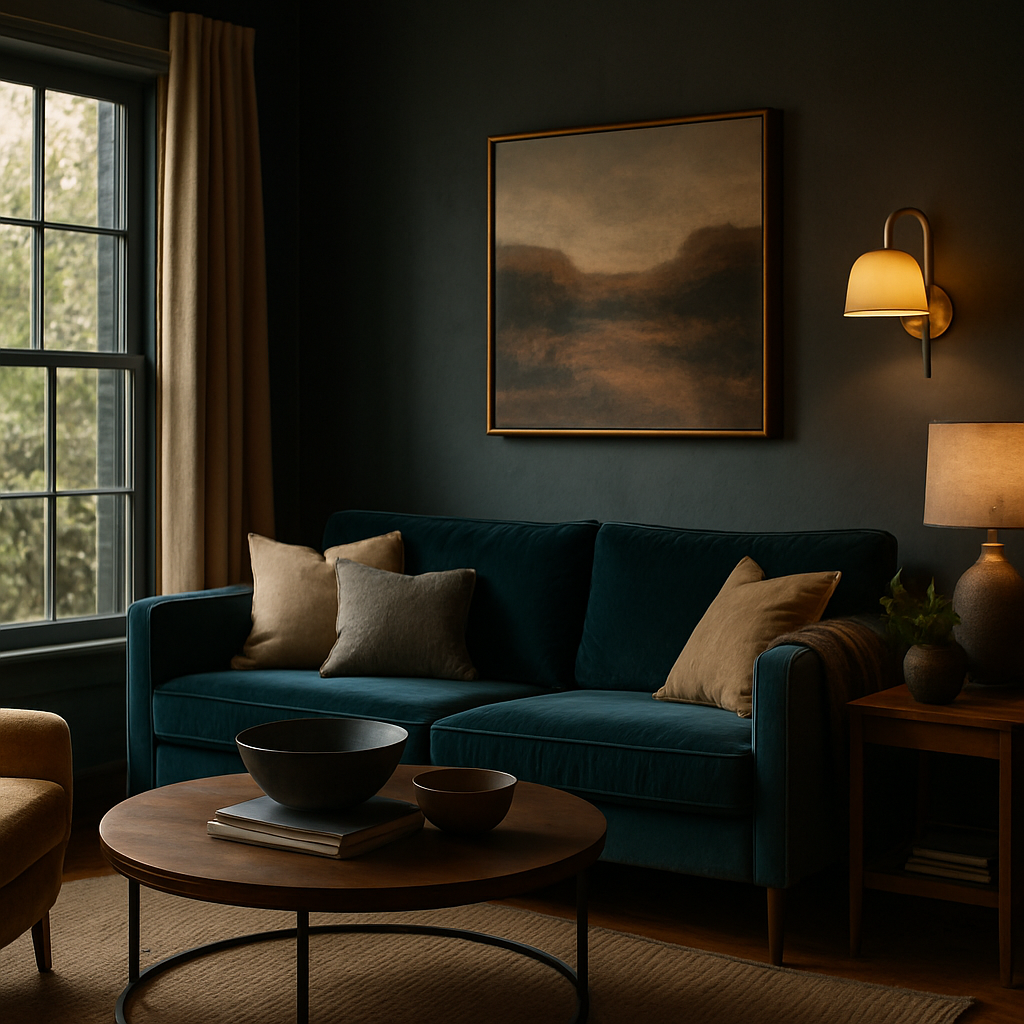
Imagine walking into your living room, and instead of the same old layout, you're greeted by a thoughtfully designed space that reflects your style and meets your needs. According to Houzz's annual survey, 63% of homeowners are planning to redecorate in the coming year, driven by a desire for personalized and functional spaces. But what if your budget doesn't stretch to hiring a professional interior designer? Don't worry-technology has your back. This guide will delve into the world of free interior design software that can help you create stunning spaces without breaking the bank.
Understanding the Basics of Interior Design Software
To start creating your dream space with free interior design software, it's essential to understand the basic functions these tools offer. Most software provides capabilities like room layout planning, 3D visualization, and furniture placement. For instance, SketchUp offers a robust free version that enables users to create detailed 3D models of their spaces. This is particularly useful for visualizing how different elements will fit together in a room.
Another fundamental aspect is the ability to experiment with different color schemes and textures. Software like Roomstyler 3D Home Planner allows you to play with various palettes and materials, giving you a virtual feel of how these choices will impact the room's ambiance. This functionality is crucial because color and texture significantly influence the mood and perception of space.
Lastly, many free tools integrate with online furniture catalogs. Platforms like Planner 5D include extensive libraries of furniture and décor items that you can drag and drop into your layout. This feature helps you see how potential purchases might look in your space, saving you from costly mistakes. Now that you have a handle on the basics, let's explore how these tools stack up against each other in terms of performance and usability.
Comparing Free Software Options: Features and Usability
When it comes to selecting the right software, understanding the unique features each offers is vital. For instance, Homestyler provides a user-friendly interface that is ideal for beginners. It includes a vast library of real furniture products, which can be a significant advantage if you're planning to purchase new items. According to industry surveys, users appreciate its drag-and-drop functionality, which simplifies the design process.
For those who are technically savvy, Sweet Home 3D offers more advanced features. It supports precise measurements and customization options, making it a favorite among DIY enthusiasts. The platform also allows you to import existing floor plans, which can be particularly useful if you're working with a pre-existing space. The ability to view designs in 3D from multiple angles helps in making informed decisions about layout and design.
Moreover, the integration of augmented reality (AR) in some software, like IKEA Place, allows users to visualize furniture in their homes using their smartphone cameras. This AR feature is paving the way for more interactive and immersive design experiences. With these insights, you're better equipped to choose a tool that aligns with your design needs and technical comfort level. Let's now shift focus to strategies for effectively using these tools to plan your space.
Effective Strategies for Using Interior Design Software
To make the most of free interior design software, beginning with a clear vision is crucial. Start by defining the purpose of each room. Are you aiming for a cozy retreat or a vibrant workspace? Having a clear goal will guide your design decisions and help you focus on what elements are necessary. Experienced professionals often note that a well-defined purpose is the foundation of a successful design.
Next, take accurate measurements of your space. This step cannot be overstated, as it ensures that your designs are realistic and practical. Many tools, like SketchUp, offer features to input precise dimensions, allowing you to create a true-to-scale model of your room. This accuracy helps avoid the frustration of finding out that your dream sofa doesn't fit through the door.
Lastly, leverage the community features available in many software platforms. For example, Houzz not only offers design tools but also access to a community of designers and homeowners who share their projects and ideas. Engaging with these communities can provide insights and inspiration, as well as practical advice from people who have tackled similar projects. With these strategies in mind, it's time to delve into more advanced applications and expert tips for using design software.
Advanced Applications and Expert Tips
For those ready to take their design skills to the next level, exploring advanced features of software like Blender can be incredibly rewarding. Although primarily known for 3D modeling, Blender's capabilities in rendering realistic interior scenes are unmatched. This tool is ideal for users who are serious about creating professional-grade visuals.
Incorporating current design trends can also elevate your project. Trends like biophilic design, which emphasizes natural elements, can be experimented with digitally before making physical changes. Tools that support the import of textures and materials allow you to see how these trends fit into your existing decor. According to the NCIDQ (National Council for Interior Design Qualification), integrating trends thoughtfully can enhance a room's aesthetic and functional quality.
Moreover, many professionals suggest using AR/VR features available in software like Roomstyler to present your ideas to friends or family for feedback. This interactive approach not only aids in refining your design but also ensures that the final outcome meets everyone's expectations. Now, let's consider the financial and practical aspects of using these tools for your projects.
Financial and Practical Considerations
One of the significant advantages of using free interior design software is cost savings. Traditional design services can range from $5,000 to $15,000 for a single room, according to the ASID (American Society of Interior Designers). Free software provides a budget-friendly alternative that allows you to invest more in actual furnishings and materials.
It's important to consider the time investment required in learning and using these tools effectively. While platforms like Planner 5D are intuitive, others like Blender require a steeper learning curve. On average, users report investing several weeks to become proficient with advanced software. Balancing your project timeline with your available time for learning is crucial for success.
Additionally, consider the potential resale value benefits of a well-designed home. Studies suggest that investing in strategic interior updates can yield a 5-15% higher resale value. Thus, even the time spent on perfecting your design using free software can translate into financial gains. As we wrap up, let's reflect on how these tools can transform your spaces and how you can get started today.
Final Perspectives on Free Interior Design Software
As you've seen, free interior design software offers a powerful way to envision and execute changes in your home. Whether you're redesigning a single room or planning a full home makeover, these tools provide flexibility and creative freedom. They enable you to experiment with different layouts, colors, and styles without the risk of making costly mistakes.
These software options also democratize the design process, making it accessible to anyone with a passion for improving their living space. By integrating your personal style with professional-grade tools, you can achieve stunning results that reflect both your personality and practical needs. The only limit is your imagination and willingness to explore and learn.
Are you ready to transform your home with these innovative tools? Start by downloading a few of the software options mentioned here and spend some time exploring their features. This initial step will equip you with the knowledge to make informed decisions about your space. Now, let's conclude with a call to action to get you started on this exciting journey.
Conclusion: Your Next Steps in Creating Stunning Spaces
In conclusion, free interior design software provides an invaluable resource for transforming your living spaces. By understanding the basics, comparing features, and applying effective strategies, you can leverage these tools to create environments that are both beautiful and functional. From exploring advanced applications to considering practical and financial implications, you've gained a comprehensive understanding of how to proceed.
So, what will your next step be? Start by browsing portfolios on platforms like Houzz this week-spending even 20 minutes on research will sharpen your eye for what you want. Download a few free software options and begin experimenting with your ideas. Remember, the journey to a stunning space begins with a single click. Take that first step today and watch your dream interiors come to life.



Comments
Post a Comment