The Ultimate Guide to Choosing the Perfect Interior Design App for You
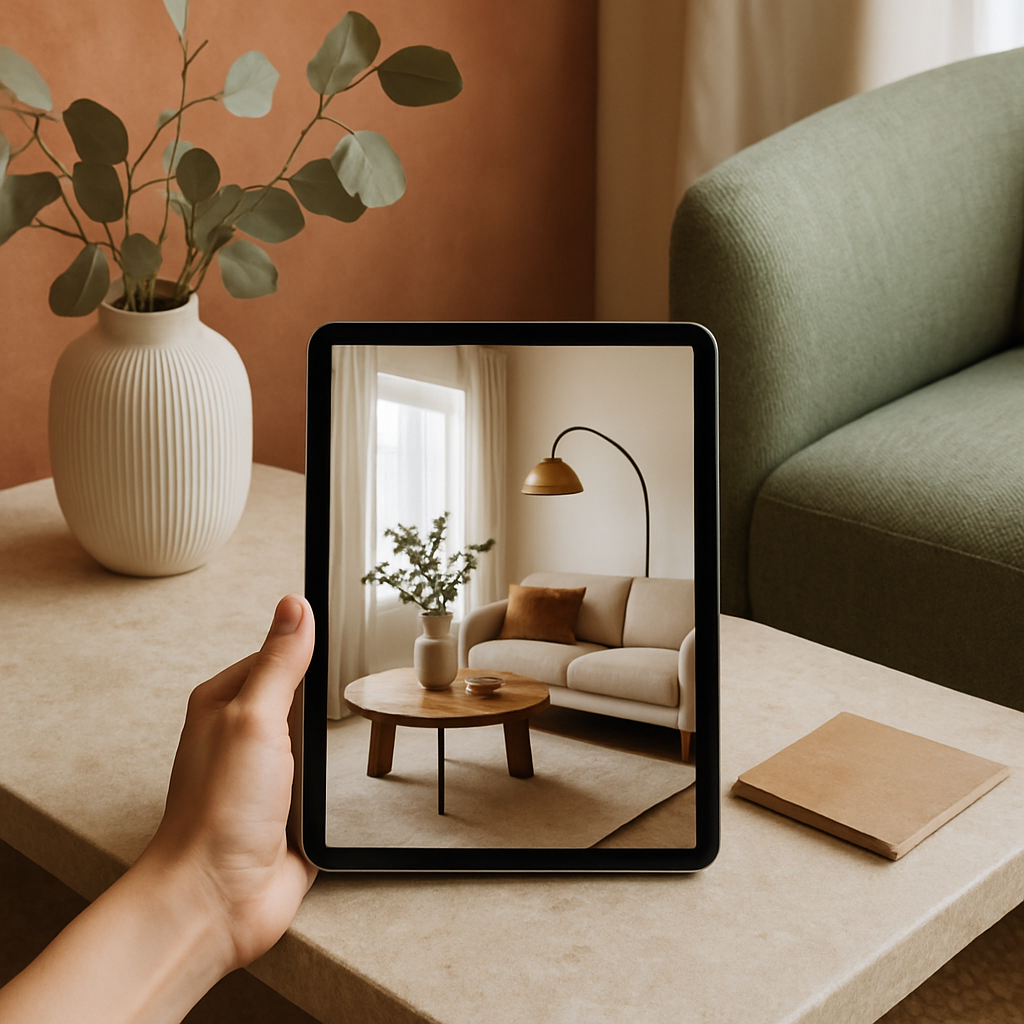
Choosing an interior design app can feel like standing in front of a wall of paint swatches at a hardware store - the options stretch on endlessly, and each one promises a slightly different version of perfection. Whether you are a homeowner planning a kitchen renovation, a renter experimenting with furniture layouts, or a professional designer managing multiple client projects, the right app can dramatically streamline your workflow. The American Society of Interior Designers (ASID) reports that over 70 percent of design professionals now incorporate digital tools into their daily practice, and the consumer market has followed suit with hundreds of apps competing for attention. But not all design apps are created equal, and picking one that aligns with your specific goals, budget, and technical comfort level requires more than just scrolling through app store ratings. Have you considered what you actually need from a design app before downloading the first one that catches your eye? This guide walks you through the key features, pricing tiers, and practical considerations that separate a genuinely useful design app from digital clutter on your phone.
Understanding What Interior Design Apps Actually Do
Interior design apps fall into several broad categories, and understanding these categories is the first step toward making a smart choice. Some apps focus primarily on mood boarding and inspiration collection, functioning as visual bookmarks for colors, textures, and furniture pieces that catch your eye. Houzz, for example, built its entire platform around community-shared photos of real rooms, allowing users to save ideas and connect directly with professionals who charge anywhere from to per hour for consultations. Others concentrate on spatial planning, letting you input room dimensions and drag-and-drop furniture to test arrangements before moving a single piece. These planning tools have become particularly sophisticated in recent years, with some offering millimeter-level accuracy that professional designers rely on for client presentations.
A third category centers on AR and VR visualization, which has moved from novelty to necessity in the design world. AR visualization tools let you point your phone camera at a room and see how a particular sofa, light fixture, or paint color would look in your actual space, eliminating much of the guesswork that leads to expensive returns. The International Interior Design Association (IIDA) has noted that AR-enabled apps reduce client revision cycles by up to 40 percent, which translates directly into cost savings when designers charge 10 to 25 percent of total project budgets. Some premium apps combine all three functions - inspiration, planning, and visualization - into a single platform, though these tend to carry subscription fees that can range from to per month for full access.
Beyond these core functions, many apps now integrate shopping features, allowing you to purchase items directly from the design interface. This seamless connection between dreaming and buying has changed how both consumers and professionals approach projects, compressing timelines and simplifying procurement. AD PRO, the professional arm of Architectural Digest, regularly reviews these tools and has highlighted the growing convergence of design software and e-commerce as one of the most significant shifts in the industry. Understanding which combination of features matters most to you will prevent you from paying for capabilities you never use, so consider your actual workflow before committing to any platform.
Key Features That Separate Great Apps from Mediocre Ones
The most important feature in any interior design app is measurement accuracy, and this is where cheap or free apps frequently fall short. If you are planning a renovation that might cost ,000 to ,000 per room, you cannot afford to base decisions on a tool that distorts proportions or misrepresents scale. Look for apps that allow you to input exact room dimensions manually and that use your phone camera along with LiDAR sensors (available on newer smartphones) to capture spatial data with precision. Professional-grade apps used by NCIDQ-certified designers typically offer this level of accuracy, and several consumer versions have adopted the same underlying technology at a fraction of the cost.
Material and color libraries represent another critical differentiator between apps. A truly useful design app gives you access to real product catalogs rather than generic approximations, so when you test a specific Benjamin Moore paint shade or a particular tile from a manufacturer, you see a faithful digital representation. Smart home integration capabilities have also become a distinguishing feature, as more homeowners want to visualize not just how a room looks but how it functions with connected lighting, motorized shades, and built-in speakers. Apps that incorporate smart home planning alongside aesthetic design give you a far more complete picture of the finished space, and they help you budget for technology costs that can add ,000 to ,000 per room depending on the scope of automation.
Collaboration tools are the third pillar of a strong design app, especially if you are working with a partner, a contractor, or a professional designer. The ability to share boards, leave comments on specific elements, and track version history transforms the app from a personal sketchpad into a shared workspace. ASID-affiliated designers increasingly expect their clients to participate through shared digital platforms, and apps that facilitate this back-and-forth communication tend to produce better outcomes with fewer misunderstandings. Does your current workflow involve anyone besides yourself, and if so, how smoothly can your chosen app accommodate multiple perspectives?
Free vs. Paid: What You Actually Get at Each Price Point
Free interior design apps occupy a useful but limited niche, and understanding their boundaries will save you frustration. Most free apps offer basic mood boarding, a limited furniture library, and perhaps simple 2D floor planning with watermarked exports. They work well for casual browsing and early-stage brainstorming, but they typically lack the measurement precision, product-level material libraries, and export quality that serious projects demand. If you are simply rearranging your living room furniture or collecting color palette ideas for a future project, a free app may be all you need for now. However, if you are investing real money into a renovation, relying on a free tool is like navigating a road trip with a hand-drawn map when GPS is available.
Mid-tier subscriptions, generally ranging from to per month, unlock the features that most homeowners and design enthusiasts will find indispensable. At this level, you typically gain access to 3D rendering, expanded product catalogs, AR visualization, and the ability to export high-resolution plans suitable for sharing with contractors. Some apps at this tier also include basic smart home integration planning and biophilic design element libraries, reflecting the growing consumer interest in bringing natural materials, living walls, and organic forms into residential spaces. Houzz Pro, for instance, offers a professional toolkit at this price range that bridges the gap between consumer curiosity and professional practice, making it a popular choice among homeowners who want design-studio capabilities without the design-studio price tag.
Premium and professional subscriptions, which can run to or more per month, cater to working designers and firms who need photorealistic rendering, client management dashboards, invoicing integration, and access to trade-only product databases. These tools pay for themselves quickly when a single client project might bill at to per hour, and the software helps a designer present options more efficiently, reducing the number of billable hours spent on revisions. For consumers, this tier is generally unnecessary unless you are managing a large-scale build or flip. The key takeaway is to match your spending to your actual needs rather than defaulting to either the cheapest or the most expensive option, because both extremes tend to leave users either under-equipped or overwhelmed with unused features.
How Professionals Use Design Apps Differently Than Consumers
Professional interior designers approach apps as productivity tools rather than inspiration sources, and this distinction shapes which features they prioritize. A designer certified through the NCIDQ examination needs software that can produce client-ready presentations, generate accurate material specifications, and maintain organized project archives across dozens of simultaneous engagements. Where a homeowner might spend an afternoon playing with furniture arrangements for fun, a professional needs to produce three distinct layout options for a client meeting by Thursday morning, complete with cost estimates and sourcing information. This pressure to deliver polished results quickly explains why professionals gravitate toward apps with robust template systems, batch rendering, and integration with procurement platforms.
The Japandi design trend - that refined fusion of Japanese minimalism and Scandinavian functionality - illustrates how professionals use apps to translate aesthetic concepts into specific material choices. A consumer might pin Japandi-inspired photos on a mood board and feel satisfied, while a designer uses the app to specify exact wood species, textile weaves, and hardware finishes that achieve the look within a defined budget. Professional apps often include trade pricing that runs 20 to 40 percent below retail, and they connect directly to supplier ordering systems, turning a design concept into a purchase order without leaving the platform. This workflow efficiency is what justifies the higher subscription costs and explains why tools marketed exclusively to professionals can charge or more per month.
Another professional-consumer divide appears in how design apps handle sustainability metrics. The IIDA has been pushing for greater transparency in material sourcing and environmental impact, and professional-grade apps increasingly include data on VOC levels, recycled content percentages, and supply chain certifications. Sustainable materials have moved from a niche preference to a mainstream expectation, and designers who can quantify the environmental impact of their recommendations hold a competitive advantage. Consumer apps are beginning to incorporate similar information, but the depth and reliability of sustainability data remains significantly stronger on the professional side. This gap suggests an opportunity for app developers and a consideration for environmentally conscious consumers who want to make informed choices about the products entering their homes.
Testing Before You Commit: A Practical Evaluation Framework
Before subscribing to any design app, put it through a simple three-part test using a real room in your home. First, measure a single room by hand with a tape measure, then input those dimensions into the app and verify that the digital representation matches reality. Check corners, ceiling height, and window placement - if the app distorts any of these, it will distort your design decisions too. This accuracy test takes about fifteen minutes and immediately reveals whether the app handles spatial data reliably. Many users skip this step and only discover measurement issues after they have already committed hours to a layout that does not translate to physical space.
Second, attempt to recreate a specific design you have seen and admired, whether from a magazine, a Houzz gallery, or a friend's home. This exercise tests the breadth of the furniture and material libraries, the flexibility of the customization tools, and the overall intuitiveness of the interface. If you cannot find a reasonable approximation of a particular sofa style or a specific tile pattern, the app's product catalog may be too limited for your taste or project scope. Pay attention to how the app handles quiet luxury aesthetics - the understated, high-quality finishes and natural materials that define current design sensibility - because these nuanced choices require detailed texture rendering that simpler apps cannot deliver.
Third, try sharing your design with someone else and gathering their feedback through the app. Send a board or layout to a friend, family member, or partner and ask them to comment on specific elements. This collaboration test reveals how smoothly the app handles multi-user interaction, which becomes critical when you are coordinating with contractors, painters, or professional designers during an actual project. If the sharing process feels clunky or the feedback tools are confusing, those friction points will multiply under the time pressure of a real renovation. A strong performance across all three tests - accuracy, library depth, and collaboration - signals an app worth investing in for the long term.
Making Your Final Decision and Getting the Most from Your Choice
Once you have narrowed your options through testing, consider the long-term trajectory of the app and the company behind it. Design apps that invest in regular updates, expand their product partnerships, and respond to user feedback tend to improve over time, while those that stagnate after an initial launch often become obsolete within a year or two. Check the app store reviews not just for overall ratings but for patterns in recent feedback - are users praising new features, or are they complaining about bugs that persist across updates? AD PRO maintains an updated list of recommended design technology tools that can serve as a useful cross-reference when evaluating an app's industry standing and longevity.
Integration with your broader design ecosystem matters more than most users initially realize. If you already use Pinterest for inspiration, check whether the design app can import pins directly. If you work with a contractor who prefers receiving plans in a specific format, confirm that your app exports accordingly. For those interested in biophilic design principles - incorporating natural light mapping, indoor plant placement optimization, and natural material selection - verify that the app supports these specific workflows rather than treating them as afterthoughts. The best app for you is not necessarily the one with the most features but the one that fits most naturally into how you already think about and work on your spaces.
Finally, set a review date for yourself three months after committing to an app. By that point, you will have enough experience to assess whether the tool genuinely supports your projects or whether it has become another unused subscription. Track which features you actually use versus which ones attracted you during the trial period, and be honest about whether the app has changed your process for the better. Are you making design decisions with greater confidence? Are your plans more precise and your communications with contractors clearer? If the answers are yes, you have found your tool. If not, revisit this guide and try the next contender on your shortlist, because the right design app is worth the search.
The interior design app landscape will continue to evolve as AR technology matures, AI-driven suggestions become more personalized, and the boundary between digital planning and physical execution continues to blur. Your goal is not to find the perfect app forever but to find the right app for right now - one that matches your current skill level, project scope, and budget. Start with the evaluation framework outlined above, be willing to spend a weekend testing rather than an hour impulse-downloading, and remember that even the most sophisticated app is only as good as the thought you put into using it. Take the first step today by measuring one room and running it through a free trial, and let the results guide your investment from there.
More Articles You May Like



Comments
Post a Comment