Top 5 Features to Look for in an Interior Design App Today
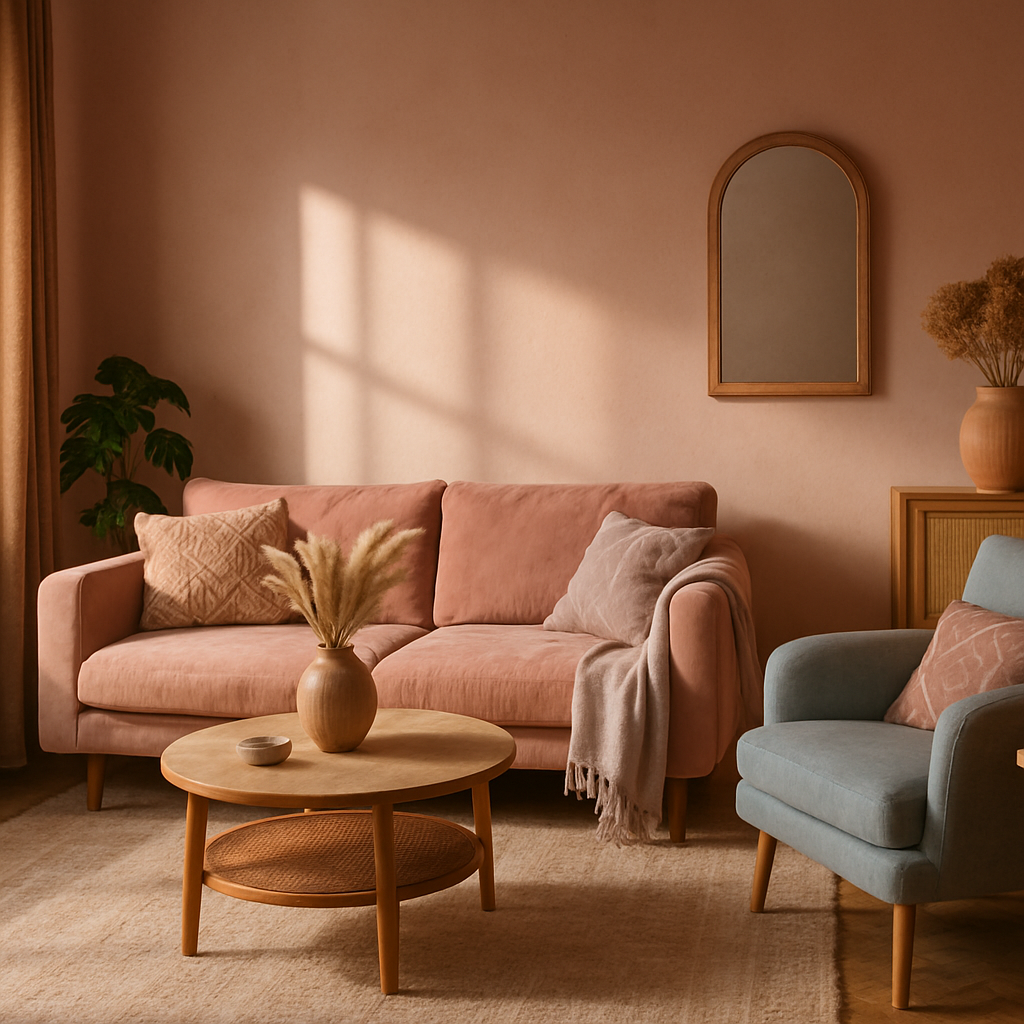
In a world where technology shapes every aspect of our lives, it's no surprise that interior design is also experiencing a digital revolution. According to a recent survey by Houzz, over 70% of homeowners are now using some form of technology to aid their design projects. This signifies a shift towards more accessible and personalized design processes, allowing you to envision your dream space with just a few swipes. But with numerous apps available, how do you determine which features are essential? This article will guide you through the top five features to look for in an interior design app, exploring foundational concepts, offering in-depth analysis, and providing actionable strategies to optimize your design journey.
1. Easy-to-Use Interface
The first feature to consider in an interior design app is an easy-to-use interface. With a plethora of options available, an app that is intuitive and simple can make the design process significantly more enjoyable. A user-friendly interface allows you to navigate seamlessly, ensuring that you spend more time creating and less time figuring out how to use the app. Visual tools like drag-and-drop capabilities and customizable grids can enhance this experience, making it accessible for users of all skill levels.
Consider the app Planner 5D, known for its straightforward interface that allows users to build and visualize floor plans in 2D and 3D. This app emphasizes simplicity without compromising on functionality, making it a favorite among both amateur decorators and professional designers. Users can quickly switch between viewing modes and adjust elements with ease, facilitating a smoother design process.
Experienced professionals often note that an intuitive interface not only saves time but also encourages creativity. When you're not bogged down by technical difficulties, you can focus on exploring design possibilities and experimenting with different styles. This ease of use is crucial in maintaining enthusiasm and momentum throughout your project, setting the stage for a successful design experience.
2. Augmented Reality (AR) and Visual Tools
One of the most transformative features in modern interior design apps is the integration of Augmented Reality (AR). AR allows you to visualize your design ideas in real-time, offering a more immersive experience. According to industry surveys, 65% of homeowners find it challenging to visualize design changes. Apps that leverage AR can bridge this gap by overlaying digital models onto real-world spaces through your device's camera.
Take, for example, the app IKEA Place, which utilizes AR technology to help users see how furniture will look and fit within their actual rooms. This feature is particularly beneficial for gauging scale and ensuring that your selected pieces complement your existing décor. Additionally, AR tools can enhance your confidence in making purchasing decisions, potentially reducing the rate of returns due to mismatch.
Moreover, apps like Houzz have incorporated visual tools that allow users to experiment with different paint colors, textures, and materials directly on their device screens. These tools help in making informed decisions by providing a realistic preview of how certain elements will look once implemented. As you plan your next design project, ask yourself: how much easier would it be to commit to a bold design choice if you could see it in your space first?
3. Comprehensive Product Catalogs
Access to a comprehensive product catalog is an invaluable feature in any interior design app. This feature allows you to explore a wide range of furniture, fixtures, and materials all within a single platform. Apps that partner with leading brands provide users with the convenience of browsing and purchasing directly, streamlining the design and shopping process.
The app Wayfair, for instance, offers an extensive catalog that includes everything from furniture to home accessories. Users can filter products by style, price, and availability, making it easier to find items that match their vision and budget. With options to save favorites and create wish lists, you can efficiently organize potential purchases and track availability.
Such catalogs not only save time but also broaden your design horizons by introducing you to new trends and products you might not have considered. As you explore various options, think about how having an all-in-one catalog at your fingertips could transform your approach to sourcing and selecting design elements. This feature leads seamlessly into the next crucial aspect: budget management tools.
4. Budget Management Tools
Effective budget management is a cornerstone of any successful interior design project. An app with built-in budgeting tools can significantly enhance your ability to manage costs and stay on track financially. These tools often include budget calculators, expense tracking, and even alerts for price drops on wishlist items.
DecorMatters is one such app that offers robust budgeting features. Users can set a project budget, itemize expenses, and receive a comprehensive overview of their spending. This transparency helps in making informed financial decisions and avoiding the common pitfall of overspending. Moreover, by tracking your expenses, you can identify areas where you might need to adjust your plans or allocate resources differently.
Budget management tools are not just about limiting expenses; they empower you to make strategic decisions that align with your financial goals. How might a clearer understanding of your budget impact the scope and quality of your design project? As we delve into expert-level details in the next section, consider how these tools can support a more organized and efficient design process.
5. Professional Network Access
Having access to a professional network through your interior design app can elevate your project from amateur to expert. Such networks often include certified interior designers, architects, and contractors, providing you with the opportunity to seek guidance and collaborate on your project.
Apps like Houzz and Thumbtack offer platforms where you can connect with professionals who hold credentials like NCIDQ (National Council for Interior Design Qualification) or are members of ASID (American Society of Interior Designers). These connections can provide invaluable insights and ensure that your design meets industry standards while reflecting your personal style.
Engaging with professionals not only enhances the quality of your project but also offers peace of mind. You gain access to expert advice, industry trends, and the latest in design innovation. How might collaborating with a certified designer influence your project's outcome? As we wrap up our exploration, consider the potential of integrating professional expertise into your design journey.
Final Perspectives on Choosing the Right App
The right interior design app can be a game-changer, offering tools and resources that simplify and enhance your creative process. By focusing on features like user-friendly interfaces, AR capabilities, comprehensive catalogs, budget management tools, and professional networks, you can transform your design dreams into reality with greater ease and efficiency.
As you explore the available options, consider your personal needs and preferences. What features will best support your design goals? How can these digital tools complement your creative vision and practical requirements? Reflecting on these questions will guide you in selecting an app that fits seamlessly into your design workflow.
Conclusion
In conclusion, selecting an interior design app with the right features can profoundly impact your project's success. A user-friendly interface, AR tools, expansive product catalogs, budget management capabilities, and professional network access are essential components that can elevate your design experience. By integrating these features into your design process, you ensure a smoother, more creative, and financially sound journey.
Ready to start your design transformation? Begin by exploring top-rated apps like Houzz, IKEA Place, and DecorMatters. Start by browsing portfolios on these platforms this week-even 20 minutes of research will sharpen your eye for what you want. Embrace the technology at your fingertips and watch your interior spaces come to life with newfound clarity and precision.



Comments
Post a Comment